



How to Download Arena Breakout: Infinite: A Complete Guide for Every Platform

2026-05-22 14:25:28
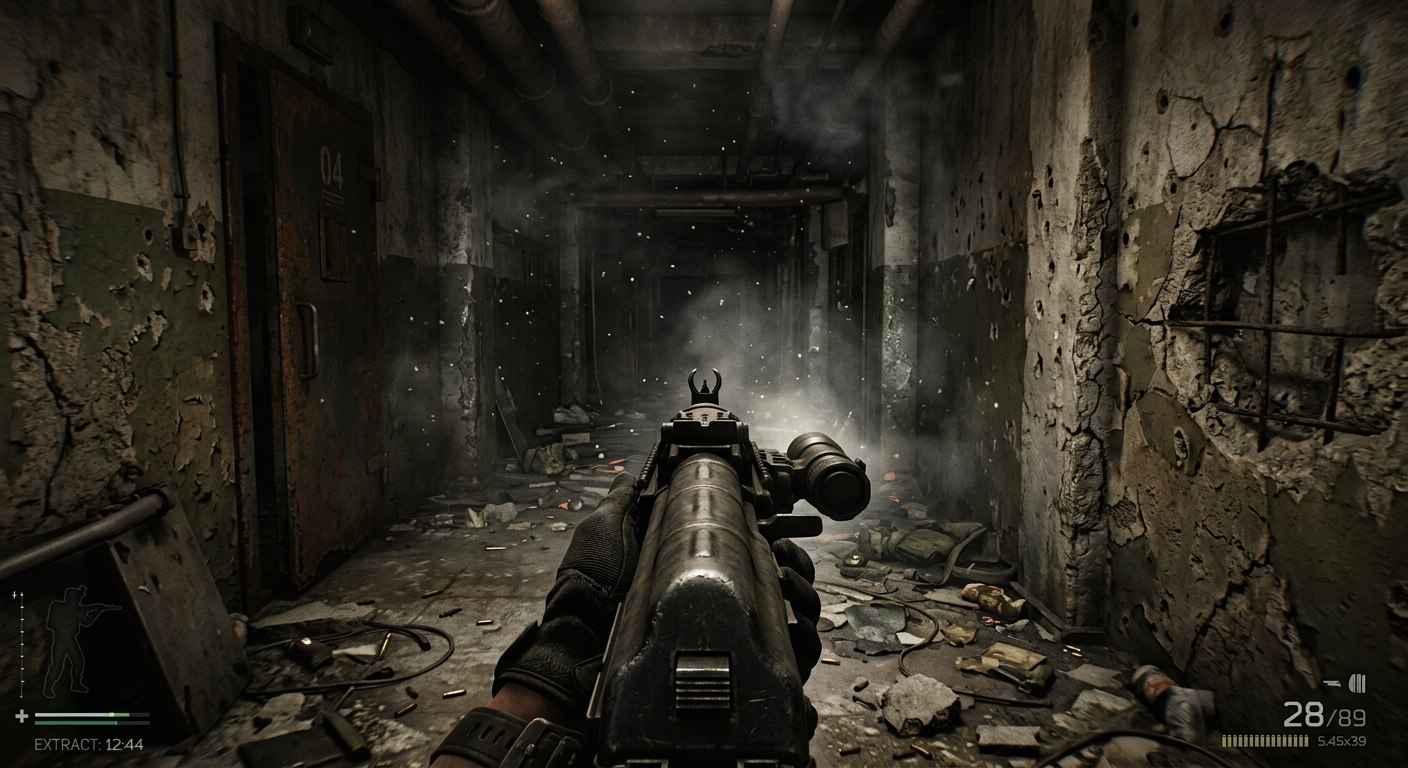
A powerful PC ready to run Arena Breakout: Infinite at maximum settings.
Struggling to figure out how to download Arena Breakout: Infinite? You're not the only one. With so many launchers, system requirements, and account setups to navigate, getting started can feel more complicated than the game itself.
Many players hit roadblocks before they even fire their first shot. Confusing platform options, massive file sizes, and unexpected installation errors stop eager gamers in their tracks. This guide breaks down everything you need to know, from system requirements to step-by-step download instructions on both Steam and the Epic Games Store. We'll get you raiding in no time.

▍Platform Availability: PC Only
Arena Breakout: Infinite is exclusively available for PC. You won't find it on PlayStation, Xbox, or Nintendo Switch. The game is also completely separate from the mobile version, Arena Breakout, which runs on iOS and Android devices.
You can download Arena Breakout: Infinite through two official PC platforms:
Platform | Link | Notes |
Steam | App ID: 2073620. Most popular option. | |
Epic Games Store | Alternative launcher option |
Important: Only download from official sources. Third-party sites claiming to offer "cracked" or "modded" versions often contain malware or lead to account bans. Stick to Steam, Epic Games Store, or the official Arena Breakout: Infinite website for safe downloads.



100 Bonds


Klukai Guarantee Bundle
Leva Guarantee Bundle
Sangvis Ferri Bundle
▍How to Download Arena Breakout: Infinite on Steam
Steam is the most popular platform for PC gamers, and downloading Arena Breakout: Infinite through Valve's launcher is straightforward. Follow these steps:
Step 1: Install the Steam Client
If you don't already have Steam installed, head to the official Steam website and click "Install Steam." Run the installer and follow the prompts. The client is free and works on Windows 10 and above.
Step 2: Create or Log In to Your Steam Account
Launch the Steam client. If you're new, click "Create a new account" and verify your email address. Existing users can log in with their credentials. Enable Steam Guard for extra security.
Step 3: Search for the Game
Click the search bar in the top-right corner of the Steam client. Type "Arena Breakout: Infinite" and press Enter. The game should appear in the dropdown results.
Step 4: Visit the Store Page
Click on "Arena Breakout: Infinite" from the search results. This takes you to the official store page where you can view screenshots, trailers, system requirements, and user reviews.
Step 5: Add to Your Library
Since the game is free-to-play, you'll see a "Play Game" button instead of a price tag. Click it. A dialog box will ask you to confirm adding the game to your library. Click "Next" and the game will be added.
Step 6: Choose Installation Location
Steam will prompt you to select an installation drive and folder. Make sure your chosen drive has at least 70GB of free space. If you have multiple drives, an SSD is strongly recommended for faster loading times.
Step 7: Download and Install
Click "Install" to begin the download. Steam will show your download progress in the "Downloads" tab at the bottom of the client.
Step 8: Launch the Game
Once the download completes, the "Install" button changes to "Play." Click it to launch Arena Breakout: Infinite. The first launch may take a few minutes to initialize shaders and settings.
Steam handles the heavy lifting — just sit back and wait for the download to finish.
Pro Tip: Keep Steam running in the background. The client handles automatic updates, so you'll always have the latest patches and seasonal content without manual intervention.

▍How to Download Arena Breakout: Infinite on Epic Games Store
Prefer Epic's launcher? Here's how to get Arena Breakout: Infinite through the Epic Games Store:
Step 1: Install the Epic Games Launcher
Visit the official Epic Games website and download the Epic Games Launcher. Install it on your PC and sign in with your Epic account, or create one if needed.
Step 2: Find the Game
Use the search bar at the top of the Epic Games Launcher. Type "Arena Breakout: Infinite" and select it from the results.
Step 3: Claim the Game
On the store page, click the "Get" button. Since the game is free, it will show a price of $0.00. Click "Place Order" to add it to your Epic Games library.
Step 4: Install
Go to your Epic Games Library, find Arena Breakout: Infinite, and click "Install." Choose your installation location and confirm. Ensure you have at least 70GB of free space available.
Step 5: Launch
After installation, click "Launch" from your library. The game will boot up, and you'll proceed to account setup.
▍System Requirements: Can Your PC Run It?
Before you commit to a 70GB download, make sure your hardware can handle the game. Arena Breakout: Infinite demands decent specs due to its realistic visuals and large maps.
System Requirements Table
Component | Minimum Requirements | Recommended Requirements |
OS | Windows 10 64-bit | Windows 10 64-bit |
Processor | Intel Core i5-7500 or AMD Ryzen 5 1400 | Intel Core i7-9700 or AMD Ryzen 5 3600X |
Memory | 12 GB RAM | 16 GB RAM |
Graphics | NVIDIA GTX 960 2GB / AMD RX 5500 / Intel Arc A380 | NVIDIA RTX 2060 or AMD RX 6600 |
DirectX | Version 12 | Version 12 |
Network | Broadband Internet | Broadband Internet |
Storage | 70 GB available space | 70 GB available space |
What These Specs Mean for You
- Minimum specs will let you run the game at lower settings with 30-60 FPS. Expect longer loading times and reduced visual fidelity. You'll still enjoy the core gameplay, but competitive PvP may feel sluggish.
- Recommended specs deliver 60+ FPS at medium to high settings. Textures look sharper, shadows render properly, and you'll spot enemies faster. For competitive play, hitting consistent frame rates matters more than maxed-out graphics
Our advice: If your PC sits between minimum and recommended, prioritize a RAM upgrade to 16GB and install the game on an SSD. These two changes offer the biggest performance boost for the lowest cost.
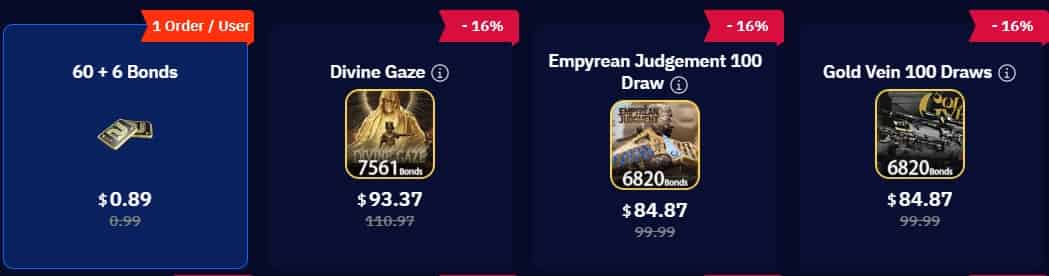
If you want to enjoy a more relaxed gaming experience, TOPUPlive is your great helper—choose the right product below.
▍Download Size, Storage, and Optimization Tips
Arena Breakout: Infinite requires approximately 70GB of free storage space. The initial download size is close to this figure, though future updates and seasonal patches will increase the total footprint over time.
Checklist: Pre-Download Storage Prep
- Check available space: Right-click your target drive, select Properties, and confirm at least 75GB free (70GB for the game + buffer for updates).
- Clean temporary files: Use Windows Disk Cleanup or a system optimization tool to remove old update files and cache.
- Uninstall unused games: Free up space by removing titles you no longer play.
- Move files to external storage: Large media files, documents, and photos can live on an external drive.
- Install on SSD if possible: Solid-state drives reduce loading times by 50-70% compared to traditional hard drives.
Pro Tip: After installation, the game may download additional shader caches and voice packs. Keep 10-15GB of extra space available for post-launch updates.
▍Account Setup: LEVEL INFINITE PASS
Arena Breakout: Infinite requires a LEVEL INFINITE PASS account to play. This is a third-party account system managed by the publisher, Level Infinite. Here's how to set it up:
- Launch the Game: After installing through Steam or Epic Games, click "Play" to launch Arena Breakout: Infinite.
- Create or Log In: You'll see a prompt to log in to an existing LEVEL INFINITE PASS or create a new one. Click "Create Account" if you're new.
- Enter Your Details: Provide a valid email address, create a secure password, and choose a display name. You'll need to verify your email before proceeding.
- Link Your Platform: The game will ask if you want to link your Steam or Epic Games account to your LEVEL INFINITE PASS. We recommend doing this. Linked accounts enable cross-progression features and simplify future logins.
- Complete the Tutorial: Once logged in, you'll enter the in-game tutorial. Complete it to learn basic movement, shooting, and extraction mechanics. The tutorial also rewards you with starter gear.
Security Note: The game uses Anti-Cheat Expert (ACE), a kernel-level anti-cheat system. This runs at the system level to detect cheats and unauthorized modifications. You must agree to the anti-cheat EULA during the first launch.
▍Common Download Issues and How to Fix Them
Even with a solid internet connection, downloads can go wrong. Here are the most common problems and their solutions:
Issue 1: Slow Download Speeds
- Fixes: * Close bandwidth-heavy apps (streaming services, cloud backups, browser tabs).
- Change your download region in Steam settings (Steam > Settings > Downloads > Download Region).
- Restart your router and modem.
- Switch from Wi-Fi to a wired Ethernet connection.
Issue 2: "Not Enough Disk Space" Error
- Remember that 70GB must be available on the same drive as your Steam/Epic library.
- Windows reserves some space for system files. Aim for 80GB free to be safe.
- Check if your drive is actually full by looking at hidden system files.
Issue 3: Corrupted Download or Installation Failure
- Steam: Right-click the game in your library > Properties > Installed Files > Verify Integrity of Game Files.
- Epic: Click the three dots next to the game > Verify.
- Clear the download cache (Steam > Settings > Downloads > Clear Download Cache).
- Temporarily disable antivirus software, which may flag game files as false positives.
Issue 4: Game Won't Launch After Installation
- Update your graphics drivers (via NVIDIA GeForce Experience or AMD Adrenalin).
- Install the latest Windows updates.
- Run the game launcher as an administrator.
- Verify that DirectX 12 is installed and up to date.
Issue 5: Anti-Cheat Launch Errors
- Restart your PC. ACE sometimes fails to initialize on the first boot.
- Ensure no unauthorized macro tools or software modifiers are running in the background.
- Reinstall the game if the anti-cheat files are corrupted.
▍Frequently Asked Questions FAQs
1. Is Arena Breakout: Infinite free to play?
Yes. Arena Breakout: Infinite is completely free to download and play on both Steam and the Epic Games Store.
2. What is the difference between Arena Breakout: Infinite and the mobile version?
Arena Breakout: Infinite is the PC-exclusive version with enhanced graphics, larger maps, and more complex gunsmith mechanics. The original mobile counterpart is for iOS and Android.
3. Can I play Arena Breakout: Infinite on Steam Deck?
No. Arena Breakout: Infinite is currently marked as "Unsupported" on Steam Deck.
4. How long does the download take?
A: On a 100 Mbps connection, expect roughly 1.5 to 2 hours for the full 70GB download.
5. What languages does the game support?
A: The game supports multiple languages. English and Traditional Chinese feature full audio and subtitles.
Ready to gear up? Head to TOPUPlive for fast, discounted Arena Breakout Bonds top-up and enjoy more raids with premium advantages. Play smart and extract safely!
Samuel
game writer
I focus on writing guides, tips, and strategy content for popular games. As an active player of Arknights and Wuthering Waves, I enjoy exploring updates, understanding mechanics, and turning that experience into clear, practical insights for other players.

Related products


Related News

Tower of Saviors Top Up Guide: Price, Methods & How to Get Diamonds
Aniimo Season 1 Part 2 Preview: New Aniimo, Maps, Events, and More
Last War Survival Top Up: Best Way to Buy Packs, Diamonds, and Gift Codes
Last War Gold Bricks Guide: How to Get, Use, and Buy Gold Bricks Safely
Best Last War Packs to Buy: Complete Guide + Where to Get Them Cheaper
5 Best Last War Survival Top-Up Centers: Where to Get the Best Deals and Secure Recharges
AFK Journey Marene Guide: Skills, Best Teams, Build & Is She Worth Pulling?
Arena Breakout Season 14 Preview: C2S0 Release Date, New Contents and More


