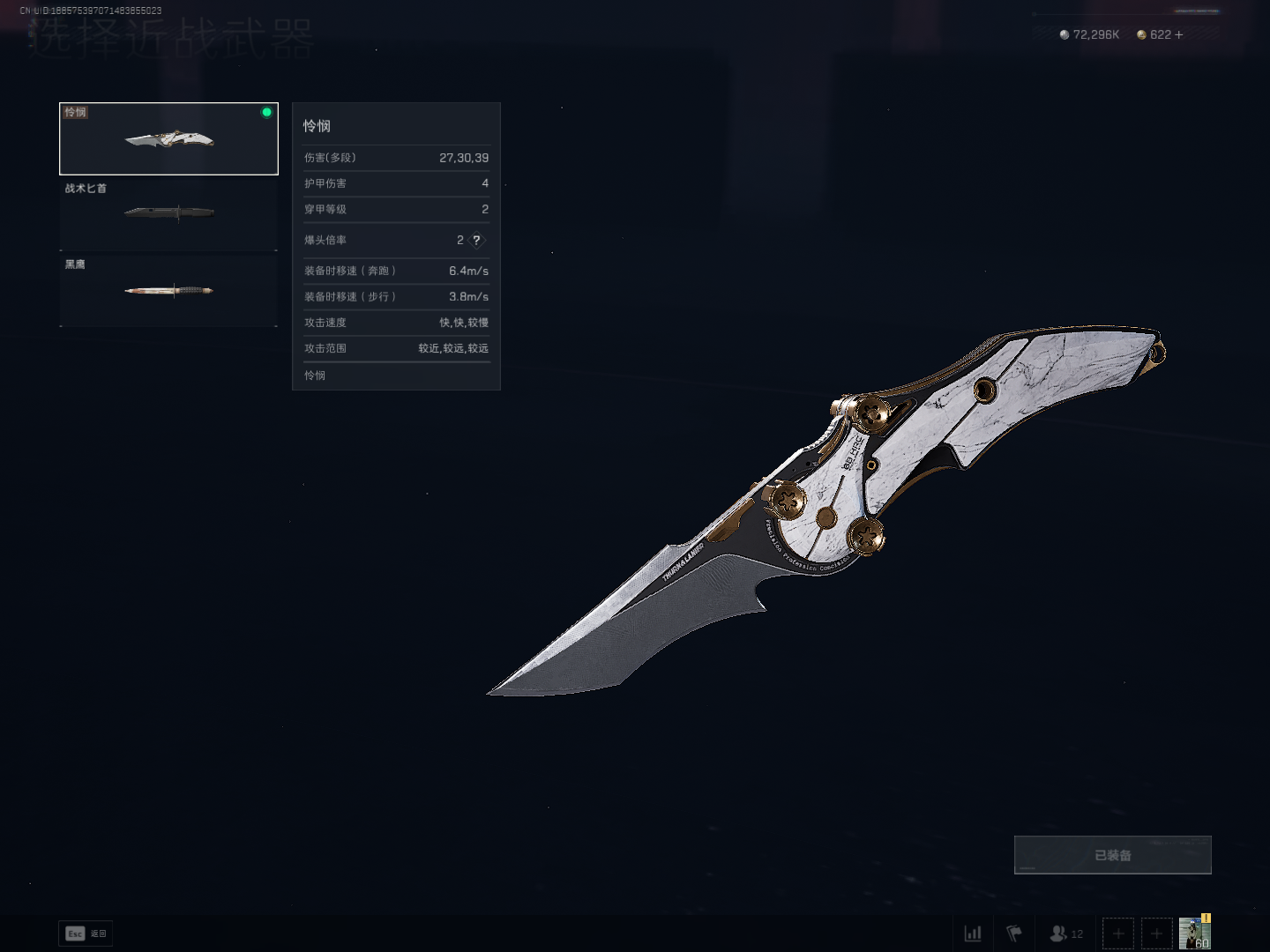
With the popular return of the "Golden Nest" event in the Chinese server of “Delta Force”recently, enthusiastic international server players can hardly contain their excitement. As a veteran operator, how can you equip your melee weapon with the coolest skins? This guide will walk you through the detailed operations and provide an in-depth preview of the highly anticipated return of "god-tier" skins in the international server.
▍How to Change Knife Skins in Delta Force Global
In conclusion,there are five steps:
1. Stay on the game's main screen.
2. Open the Collections section (either press the F3 key or click the corresponding button at the bottom of the screen).
3. Navigate to the Melee weapons tab.
4. Click on the knife skin that you have unlocked.
5. Press the Apply button to equip the knife skin.
▍Delta Force Global 2026 Skin Return Predictions
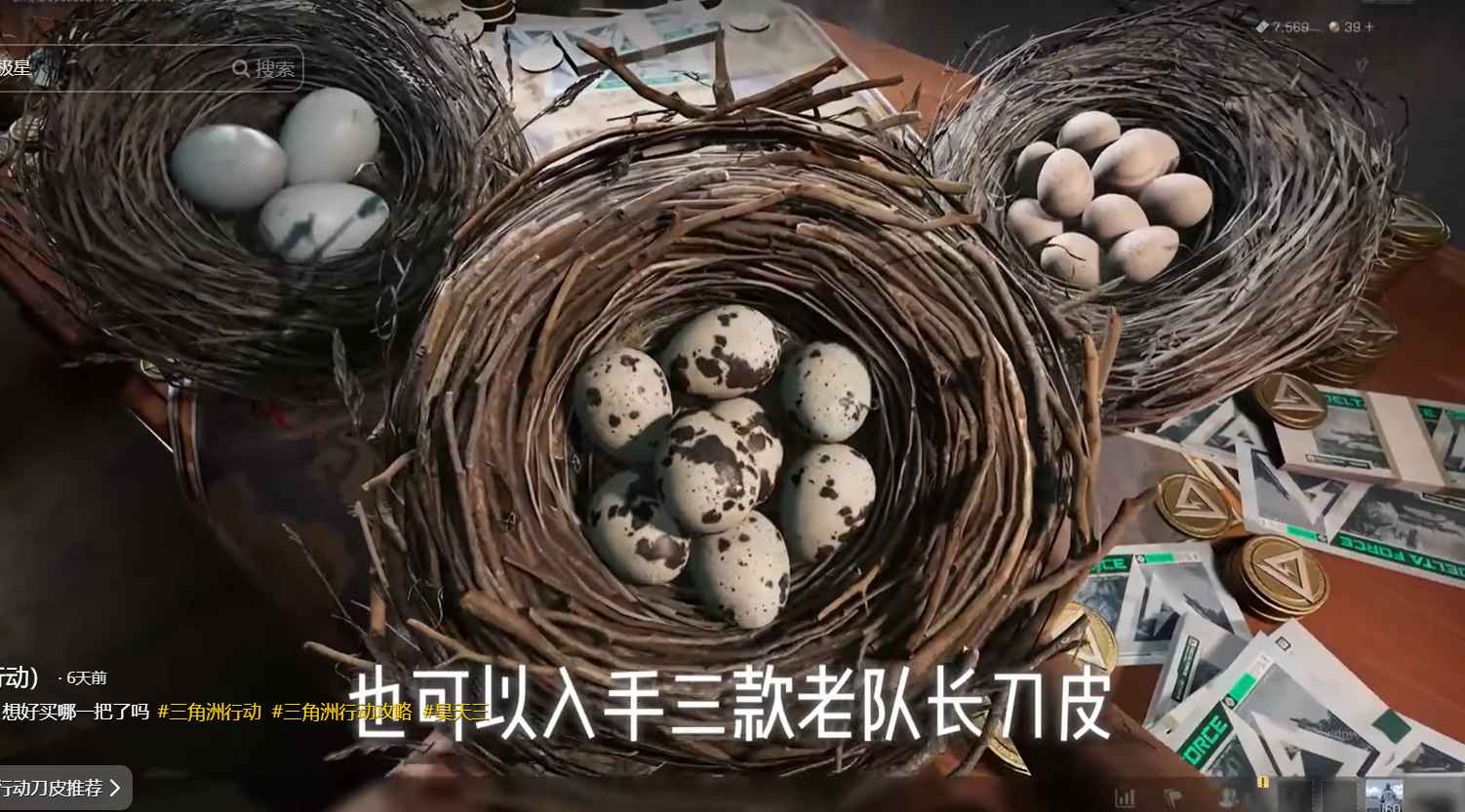
The recent rerun of the "Golden Nest" event in the Chinese server sends a key signal: the official is gradually opening channels for the return of highly popular limited-edition skins."If you want to equip that knife skin, you can visit TopupLive for secure and discounted top-ups!"
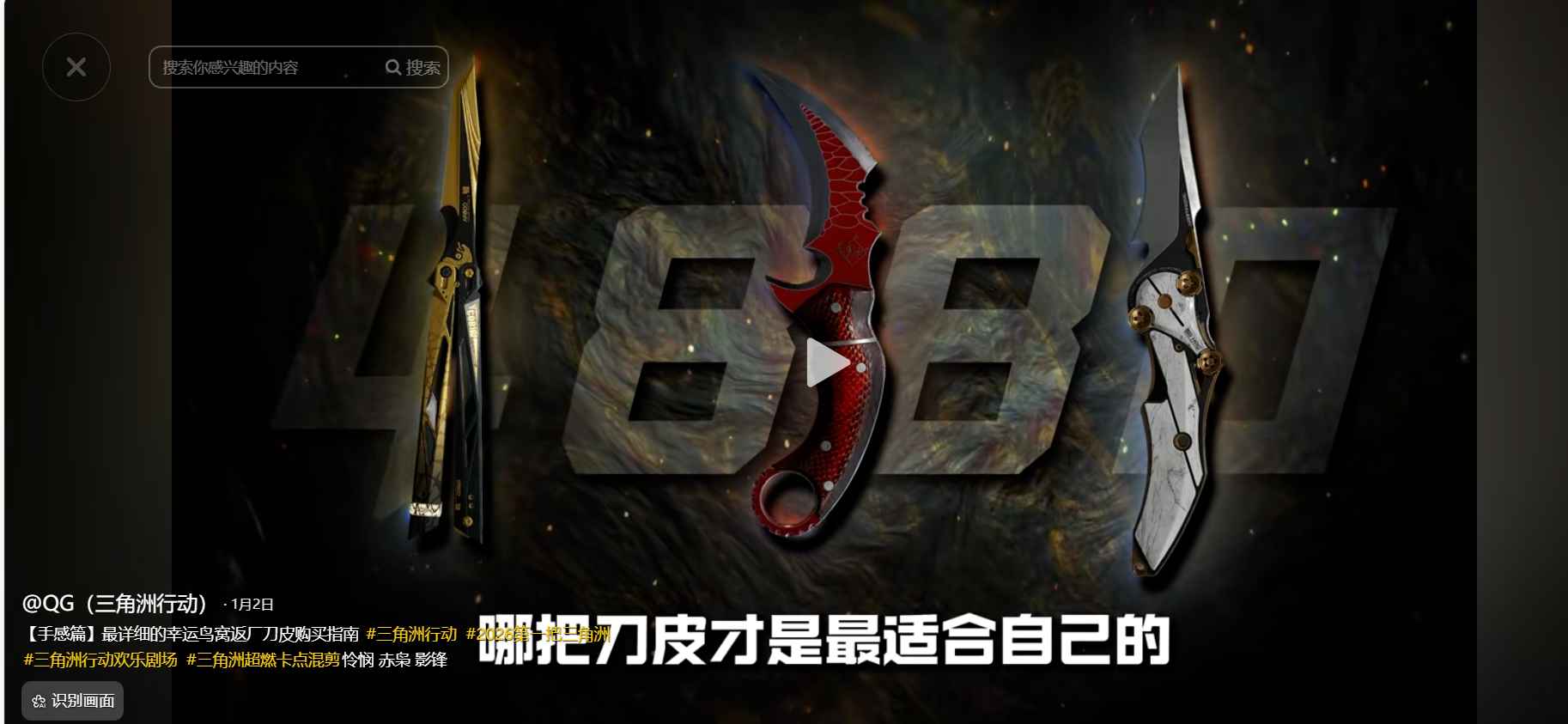
Based on the current update frequency and version synchronization, it is predicted that the international server will most likely see the limited-time return of three top-tier melee weapon skins – Chixiao, Mercy, and Shadow Blade – in Q1 2026. These three melee weapons are symbols of status, and their unique feel ratings even serve as "practical bonuses" in battles.
▍How to Prepare for the Return in Advance?
To secure your desired skins as soon as they return, pre-storing in-game currency is crucial. For international server players, it is recommended to top up through safe and compliant channels to avoid missing out on limited-time gachas or gift packs.I will tell you how to top up in the following.
How to top up Delta Ops coins?
1. Select the coin denomination.
2. Enter your player ID.
3. Click the "Buy Now" button.
4. After payment, Delta Ops coins will be credited to your account shortly.
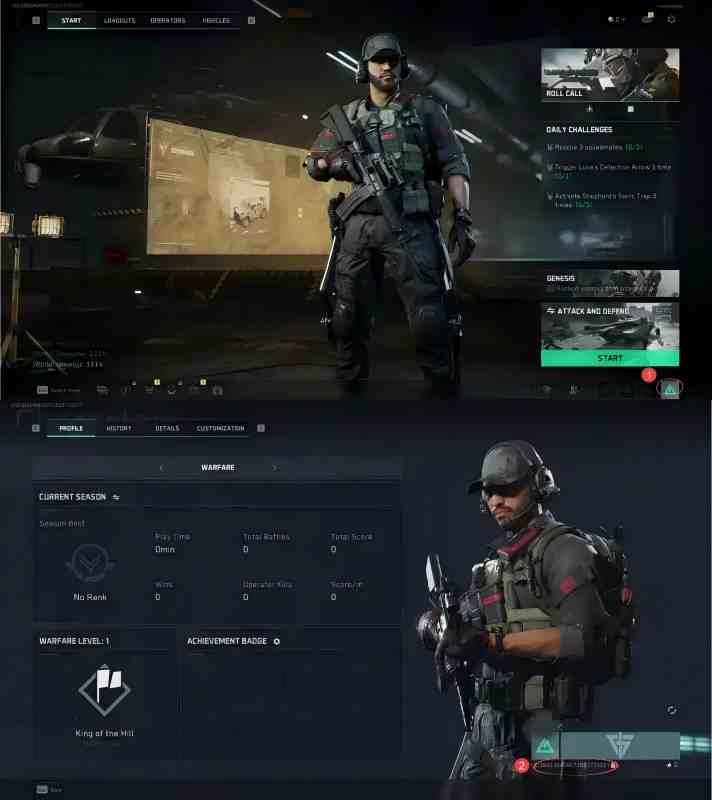
How to find your Delta Ops player ID?
1. Log in to the game with your account.
2. Tap the "Avatar" icon at the bottom right of the main screen.
3. Your Delta Ops player ID will be displayed on the screen.
Want to get more Delta Ops coins and the latest game info? TOPUPlive offers a safe and discounted way for delta force top up. Enjoy:
✅ Official partner with secure transactions
✅ Exclusive discounts on xxx packages
✅ Instant delivery to your account
✅ 24/7 customer support
Get safe, instant, discounted top-ups with 12% off all games ( for user users) or 10% off using blog code:topupliveblog. Save now!
▍Limited-Time Recharge Benefits
Log in to the TOPUPlive official website now to recharge for Delta Force!
Begin your battlefield journey today!