


Monster Hunter Outlanders Co-op Guide: How to Play with Friends, Multiplayer Modes, and Best Tips
2026-11-11 10:05:15
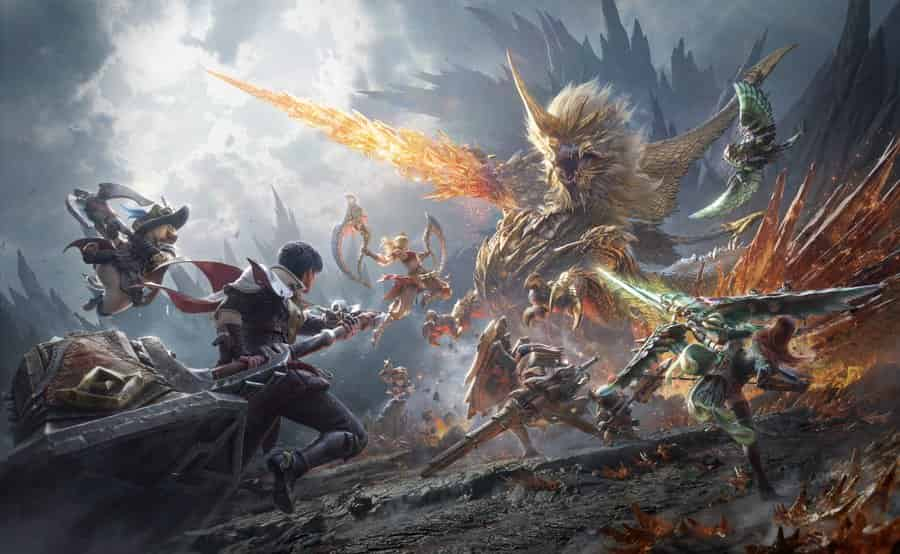
Monster Hunter Outlanders brings the classic Monster Hunter experience to mobile, allowing players to explore Aesoland and take on powerful monsters together. With support for up to four players in a hunting squad, co-op multiplayer makes challenging hunts more manageable and opens up new combat strategies.
Whether you want to team up with friends or join random hunters, this guide covers everything you need to know about Monster Hunter Outlanders co-op, including how to unlock multiplayer, invite friends, join squads, and coordinate attacks.
Need more resources to build your strongest team? Top up Monster Hunter Outlanders through TOPUPlive and enjoy up to 24% off on selected top-ups.


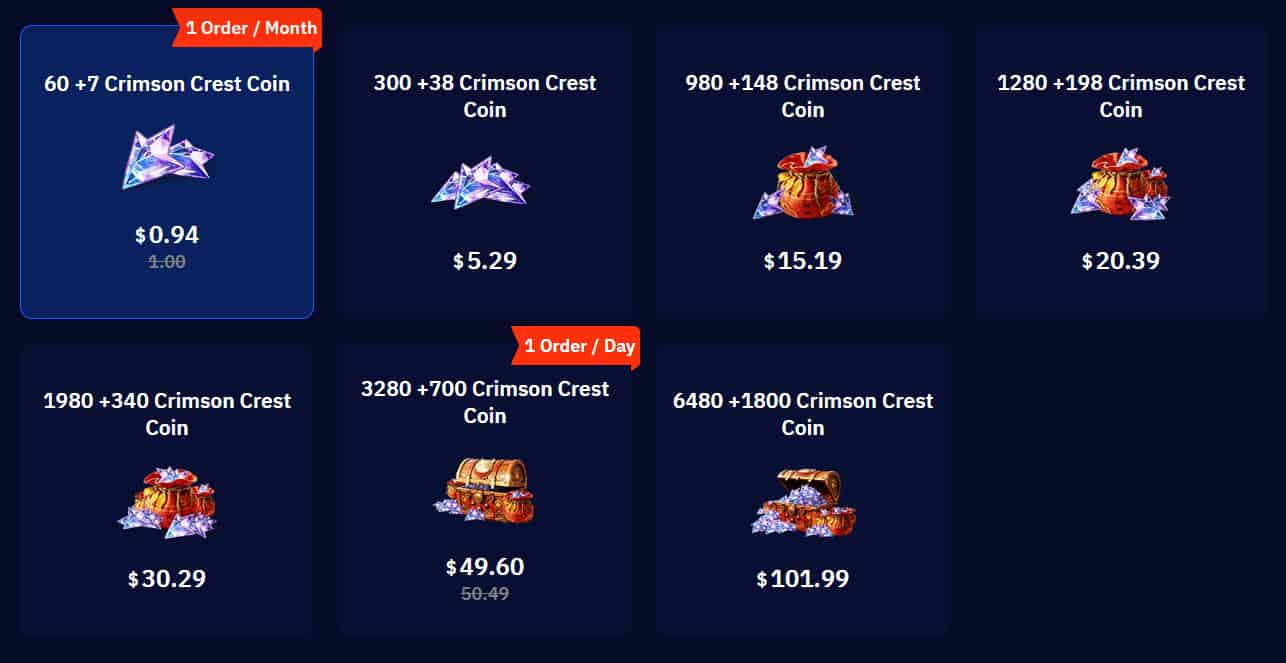
60 +7 Crimson Crest Coin


300 +38 Crimson Crest Coin
980 +148 Crimson Crest Coin
1280 +198 Crimson Crest Coin
▍How to Unlock Co-op in Monster Hunter Outlanders
Co-op multiplayer is not available immediately when you first start playing. You must progress through the main story before accessing the multiplayer features.
To unlock co-op, complete the Chapter 1 story quest "Ready for Another Adventure!". Once this quest is finished, the game's multiplayer and friend systems become available.
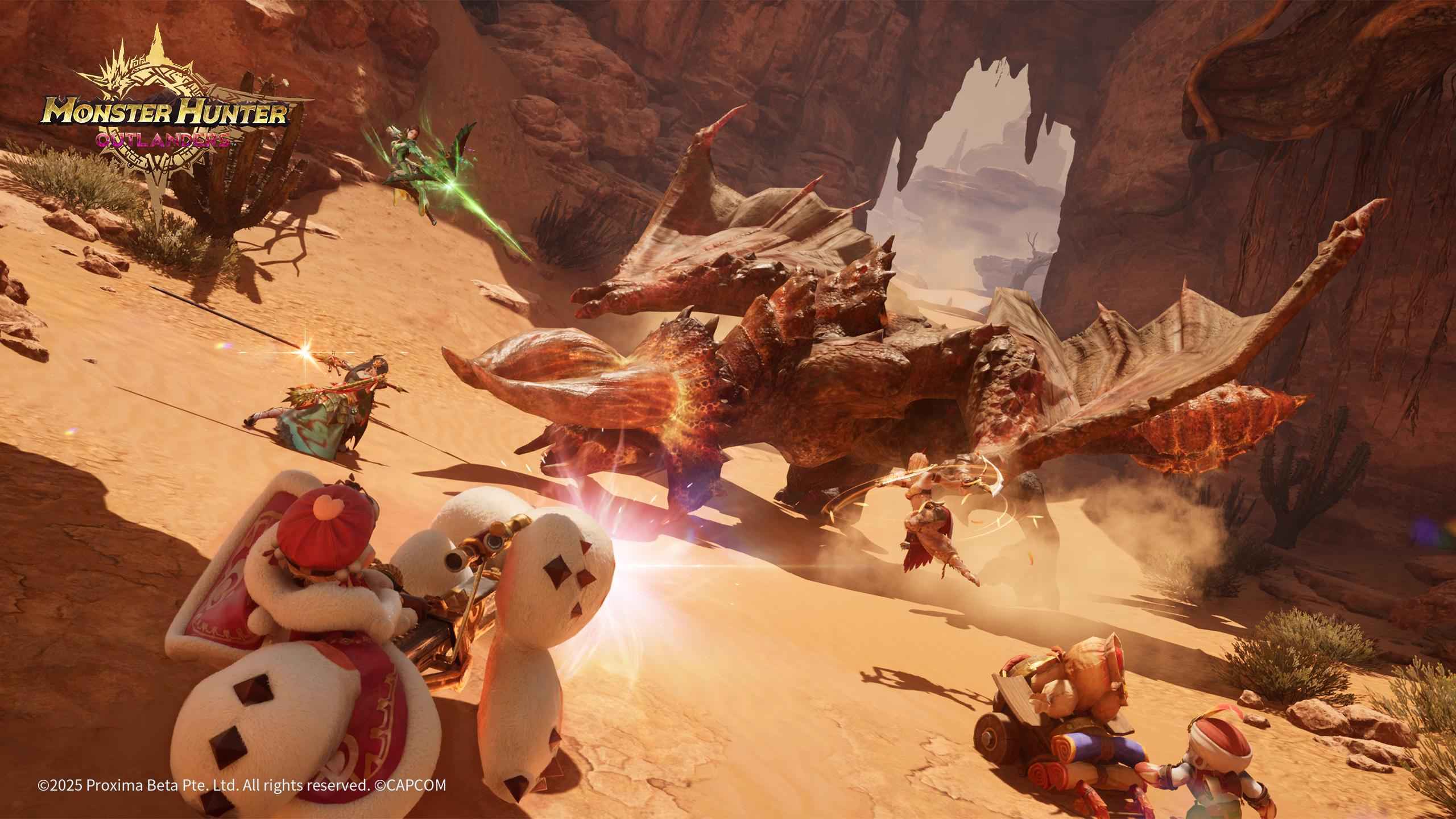
After unlocking co-op, you can:
- Create a squad and invite other players.
- Join squads that are recruiting for a specific hunt.
- Use matchmaking to find random teammates.
- Enter Assist Matchmaking to help other players.
- Add friends and invite them to future hunts.
Important: Unlocking co-op does not mean that every activity becomes multiplayer. Main story missions and general open-world exploration are primarily solo activities, while selected hunts and multiplayer events support team play.
▍How to Play Co-op with Friends
Monster Hunter Outlanders supports up to four players in one hunting squad. You can create a party and invite friends directly instead of relying on random matchmaking.
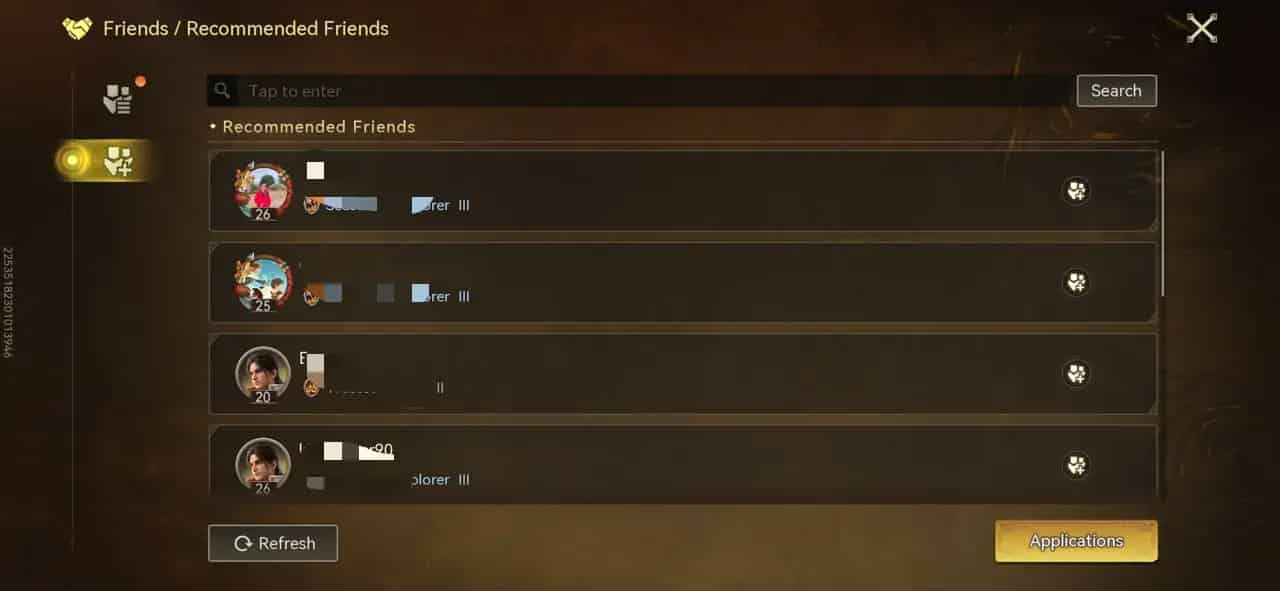
Create a Squad and Invite Friends
Follow these steps to start a private hunting session:
- Open the in-game menu and select Squad Up.
- Enter the Squad Lobby.
- Choose the hunt you want to complete.
- Select Create Squad.
- Tap an empty player slot marked with a plus sign.
- Select friends from your friend list and send invitations.
- Wait for your teammates to join and get ready.
- Start the hunt when everyone is prepared.
You can also use the Recruit button on the party screen to find additional players when you have empty slots.
How to Add Friends
Before inviting someone, make sure they have been added to your friend list.
- Open the Friends menu.
- Enter your friend's complete in-game name or Player ID in the search bar.
- Search for their account.
- Send a friend request.
- Wait for them to accept it.
Once you become friends, you can check their online status, send private messages, and invite them to your squad.
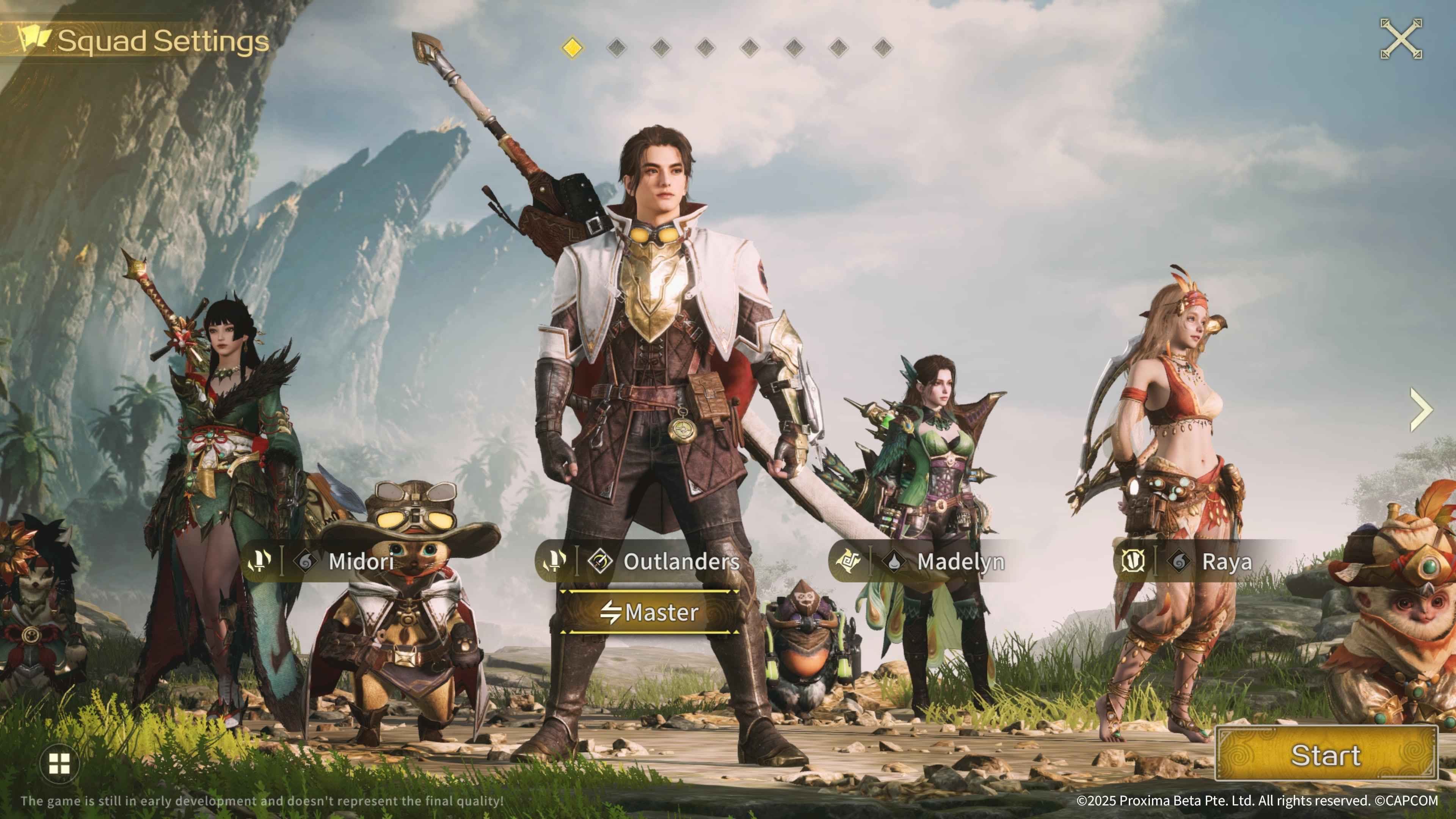
Tip: If your friend cannot find your account, check the social settings and make sure that friend requests are not blocked.
▍All Co-op Matchmaking Options Explained
If you don't have friends online, Monster Hunter Outlanders provides several matchmaking options to help you find teammates. Open the Squad Lobby through Squad Up, select your preferred hunt, and choose one of the following methods.
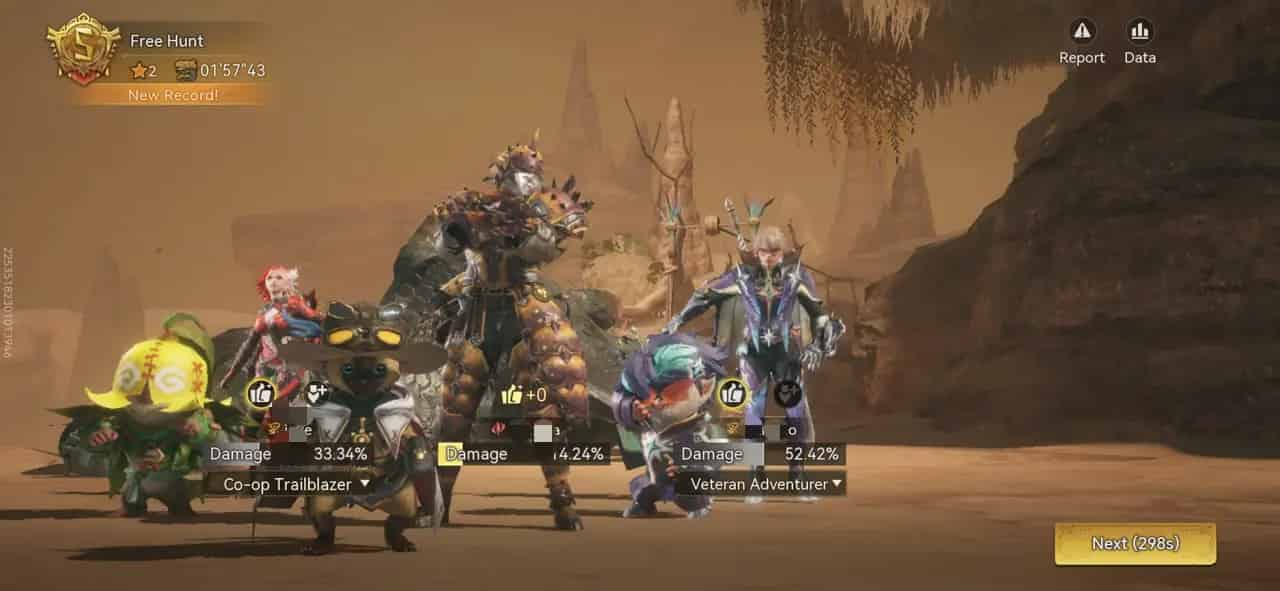
Matchmaking Option | How It Works | Best For |
|---|---|---|
Create Squad | Create your own party and invite friends or recruit players. | Playing with friends |
Join | Join an existing squad recruiting for your selected hunt. | Finding an available team |
Match | Automatically match with players selecting the same hunt. | Quick matchmaking |
Assist Matchmaking | Enter a random hunt where other players need assistance. | Helping other hunters |
Create Squad
This option gives you the most control over your party. You can select a hunt, invite specific friends, and recruit additional players to fill empty positions.
Party leaders can also adjust Squad Settings, including who can join or receive invitations, Adventurer Rank restrictions, and other recruitment conditions.
Join
If another player has already created a squad for your chosen hunt, you can join their party directly. Select the hunt, browse recruiting squads, choose an available party, and press the ready button when you are prepared.
Keep in mind that you can only join squads that are actively recruiting. If no suitable party is available, try Match instead.
Match
Match is the easiest option when you want to start hunting without organizing a team yourself. After selecting a hunt, choose Match and wait for the system to find other players pursuing the same target. If matchmaking takes too long, empty positions can eventually be filled with AI-controlled Adventurers.
This means you don't always have to wait for a complete human party before starting a hunt.
Assist Matchmaking
Assist Matchmaking works differently from regular matchmaking. Instead of selecting a particular monster or quest, you enter a random hunt where another player is looking for assistance.
It is a convenient option when you want to help other hunters while making progress toward co-op-related rewards.
▍How Co-op Combat Works
Co-op in Monster Hunter Outlanders is more than simply bringing four players into the same battle. The game introduces cooperative combat mechanics that reward coordinated attacks.
The most important feature is the Co-op Skill, which allows your entire squad to focus on a specific monster part and create a major damage opportunity.
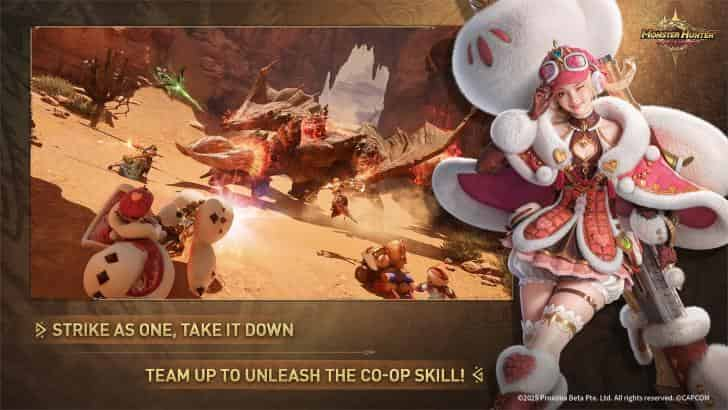
Co-op Skill and Focus Parts
The Co-op Gauge is shared by the entire squad. It charges as players attack monsters and use healing effects. Once the gauge is full, the squad can activate a Co-op Skill and designate a monster part as the Focus Part.
The process works as follows:
- Build up the shared Co-op Gauge by attacking and healing.
- Activate the Co-op Skill when it becomes available.
- Select a monster part to focus on, such as its head or tail.
- Teammates follow up by attacking the marked part within the available time.
- Successfully coordinate the attacks to knock down the monster.
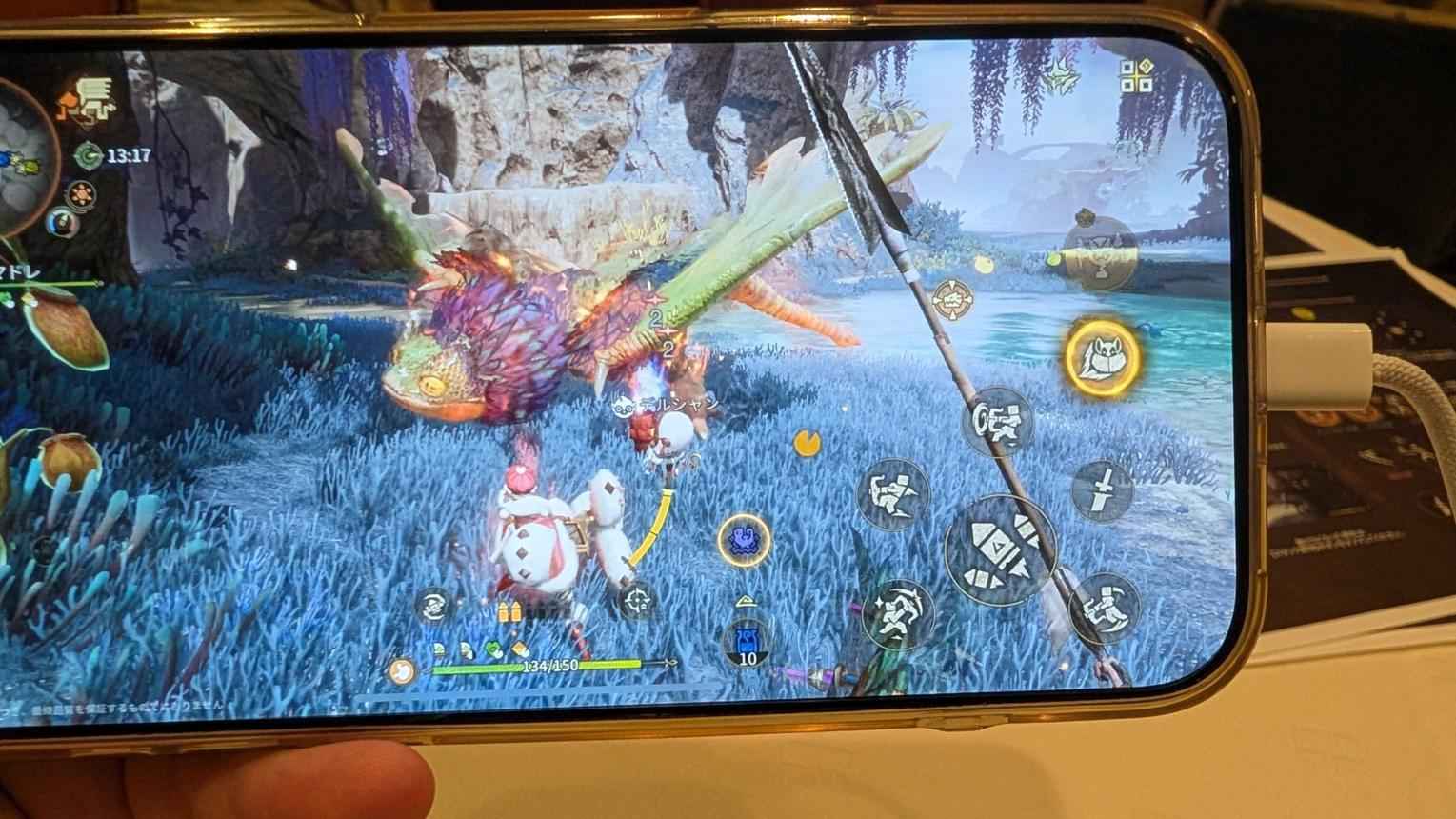
A successful coordinated attack can knock the monster down and activate a 150% damage multiplier during the resulting damage window.
For the best results, try these strategies:
- Focus on one part: Avoid spreading your attacks across different monster parts.
- Choose accessible targets: The head and tail are generally easier to communicate as shared targets.
- Coordinate your timing: Activate Co-op Skills when teammates are ready to follow up.
- Save your powerful attacks: Use Burst Skills and Ultimates during the knockdown window whenever possible.
The most important thing is consistency. Even without voice chat, focusing on the same monster part can significantly improve your team's performance.
Squadmate Skills
Squadmate Skills are automatic follow-up abilities that activate when the main Adventurer performs certain actions. Their effects depend on the Adventurer's class and provide additional benefits to the entire squad.
Class | Example Adventurer | Squadmate Skill Trigger |
|---|---|---|
Assault |
Midori | When the main Adventurer or an Ultimate suppresses the monster |
Disruptor |
Keres | When the main Adventurer successfully performs a React |
Support |
Arkaya | When the main Adventurer's Burst Skill hits |

These abilities have individual cooldowns, so they cannot be activated continuously. Learning their triggers helps you create more opportunities for damage, control, and team support.
Ultimates and Team Coordination
Every Adventurer has an Ultimate that provides a different combat effect. Depending on the character, an Ultimate can deal heavy damage, suppress a monster, apply debuffs, or support teammates.
Ultimate Energy gradually builds during combat. Certain Support abilities can also help the squad generate additional Ultimate Energy.
For better results:
- Use Disruptor abilities to create openings or restrict monster movement.
- Save Assault Ultimates for vulnerable moments.
- Use Support abilities to protect teammates and improve team resources.
- Coordinate Ultimates with the Co-op Skill's damage window.
Rather than activating every Ultimate immediately, try to combine different abilities during important combat openings.
▍Playing Co-op with AI Teammates
You don't necessarily need three other human players to enjoy team-based hunting. Monster Hunter Outlanders supports AI-controlled Adventurers that can fill empty party positions. You can enable this feature through the AI Fill-In option in the Squad Lobby.
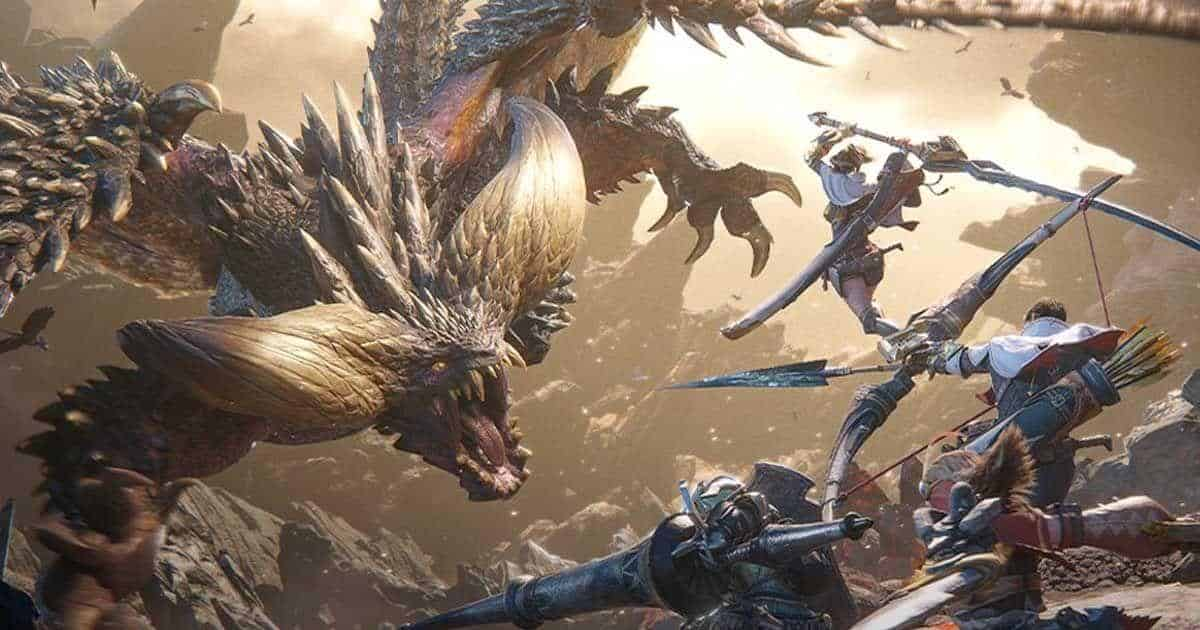
This feature is particularly useful when:
- You cannot find enough players through matchmaking.
- You want to start a hunt without waiting for a full squad.
- Your friends are offline.
- You want additional combat support while playing alone.
AI teammates can also contribute to the party's cooperative combat mechanics, including Co-op Skills. If you prefer solo progression, you can still bring AI Adventurers to support your hunting activities.
Before you play Co-op, you can read this article to learn about the tier list of this game: Monster Hunter Outlanders Tier List: Best Adventurers and Team Compositions
▍Common Co-op Problems and Solutions
Even though Monster Hunter Outlanders makes multiplayer relatively accessible, you may occasionally encounter problems when joining squads or inviting friends.
Here are some common issues and possible solutions.
Problem | Possible Solution |
|---|---|
Co-op is unavailable | Complete the Chapter 1 quest "Ready for Another Adventure!" |
Friend cannot be found | Search using their complete in-game name or Player ID. |
Friend invitation fails | Check whether friend requests and invitations are blocked in settings. |
Cannot join a squad | Make sure the squad is recruiting and has available positions. |
Matchmaking takes too long | Try another matchmaking option or enable AI Fill-In. |
Connection problems during hunts | Check your internet connection and avoid unstable networks. |
Is Cross-Platform Co-op Supported?
Monster Hunter Outlanders is available on iOS and Android. However, platform availability does not automatically confirm cross-platform multiplayer.
The available information does not establish whether iOS and Android players can join the same squads. Check the latest official announcements for confirmation before organizing a cross-platform hunting session.
How to Leave a Co-op Squad
If you want to leave a multiplayer hunt, tap the door icon near the party display at the top of the screen. Make sure you have finished any important objectives before leaving, especially when playing with friends or participating in challenging encounters.
Need more resources to build your strongest team? Top up Monster Hunter Outlanders through TOPUPlive and enjoy up to 24% off on selected top-ups!
If you want to learn about how to top up Crimson Crest Coin, you can read this 👉Monster Hunter Outlanders Top Up Guide: Price, Methods & How to Top Up Crimson Crest Coins Safely & Cheaply
▍FAQs About Monster Hunter Outlanders Co-op
1. How many players can play together in Monster Hunter Outlanders?
Monster Hunter Outlanders supports up to four human players in one hunting squad. Players can also use AI-controlled Adventurers to fill empty positions.
2. When does co-op unlock in Monster Hunter Outlanders?
Co-op unlocks after completing the Chapter 1 story quest "Ready for Another Adventure!". The Friends system becomes available at the same progression point.
3. Can you play the entire game with friends?
No. Multiplayer is limited to supported activities, primarily specific hunting missions and multiplayer events. Main story progression and general open-world exploration are primarily solo experiences.
4. How do you invite friends to a co-op hunt?
Open Squad Up, enter the Squad Lobby, select your desired hunt, and choose Create Squad. Tap an empty player slot to invite someone from your friend list.
5. Can you play Monster Hunter Outlanders co-op with random players?
Yes. You can use Join or Match to find other players for a specific hunt. Assist Matchmaking also lets you join random hunts where other players need help.
▍Conclusion
Co-op multiplayer makes Monster Hunter Outlanders more enjoyable by allowing up to four players to hunt together, coordinate powerful attacks, and tackle challenging encounters. Whether you prefer inviting friends, joining random squads, or using AI teammates, understanding the Squad Lobby and Co-op Skill mechanics will help you get more out of every hunt.
Prepare your Adventurers, coordinate your team, and keep following TOPUPlive for more Monster Hunter Outlanders guides and gaming updates.

James Park
game writer
I focus on writing guides, tips, and strategy content for popular games. I specialize in breaking down complex systems and economy mechanics, helping players save time and currency while staying ahead of the latest updates and limited-time events.
Related products
Related News

Wuthering Waves Cheapest Country: Regional Pricing & Safe Top-Up Guide
Monster Hunter Outlanders Rutacoin Guide: How to Get Rutacoin & Best Uses
Marvel Rivals Season 11: Doomsday – New Heroes, Modes, Events and Skins
Valorant Patch 13.10: Replay Bookmarks, Sentinel Buffs, and Gauntlet: Glitched Updates
Monster Hunter Outlanders Best Weapons: Weapon Tier List & Best Picks
Monster Hunter Outlanders Download & Install Guide: System Requirements & Download Size
Wuthering Waves 3.8 Tower of Adversity Guide: Buffs, Enemies, and Best Teams
Wuthering Waves 3.8 Pull Count: How Many Free Astrites and Pulls Can You Get?