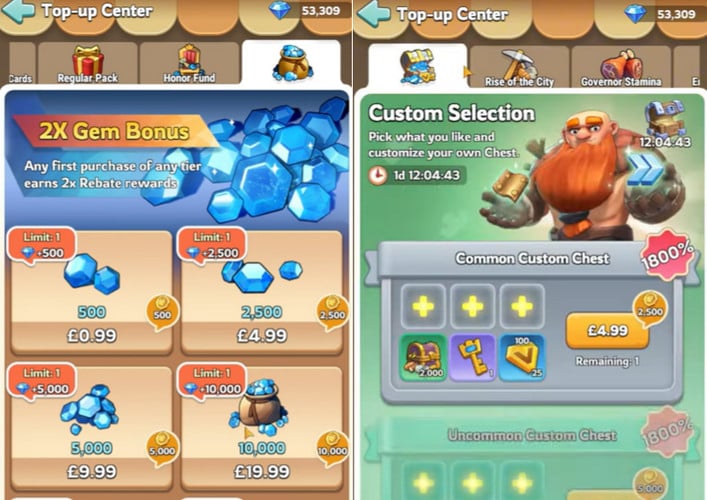
If you play Kingshot, you know how important top-ups are — whether you’re grabbing Kingdom Stars, gems, or limited-time packs to upgrade faster and stay competitive. So when your Kingshot top up is not working, it’s frustrating, stressful, and sometimes confusing.
This is a very common issue, and in most cases, it can be fixed in minutes. This guide covers the real reasons Kingshot top-ups fail, how to fix them step by step, and how to avoid the problem in the future.
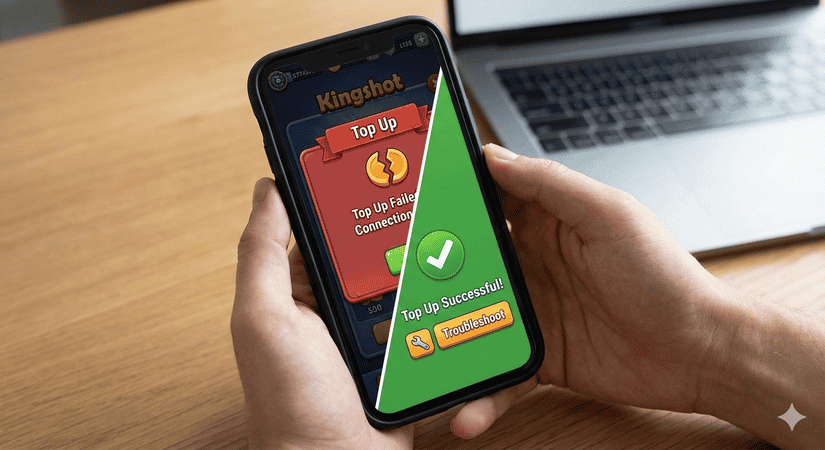
▍Why Kingshot Top Up Is Not Working (Most Common Causes)
Top-up issues usually come from one of these reasons:
1. Payment Method Was Declined
If you’re using Google Play or the App Store, some payment methods simply don’t work well with Kingshot, including:
- Certain digital wallets
- Expired or blocked cards
- Region-restricted payment options
- Unsupported carrier billing
This often results in errors like:
“Something went wrong”
“Payment failed”
“Transaction could not be completed”
2. Network or App Problems
Unstable internet or outdated game versions can interrupt purchases.
This happens when:
- You switch networks during payment
- Your game isn’t updated
- The app store cache is broken
- Servers are under heavy load
3. Items Are Delayed (But Payment Went Through)
Sometimes the payment is successful, but the items don’t appear immediately. This is very common:
- During events
- After updates
- During peak hours
Items usually arrive by in-game mail within 5–60 minutes.
4. Previous Purchase Triggered Restrictions
If you’ve ever used unreliable top-up sites, the system may temporarily restrict certain purchases. This doesn’t mean you’re banned — it just means the system flagged a transaction for review.
▍How to Fix Kingshot Top-Up Issues (Step by Step)
Try these in order — most players solve the problem before step 4.
Step 1: Restart the Game and Your Device
- Force close Kingshot
- Restart your phone
- Reopen the game
- Check in-game mail again
This often syncs stuck purchases.
Step 2: Update Everything
- Update Kingshot
- Update Google Play / App Store
- Restart the game
Many purchase bugs are fixed silently in updates.
Step 3: Check Payment History
Go to your app store’s purchase history:
- Cancel any pending transactions
- Avoid retrying until old ones are cleared
Step 4: Switch to a Different Payment Method
If one payment option fails, try:
- Credit card
- Debit card
- Gift card balance
- Carrier billing (if supported)
Step 5: Contact Support for Missing Items
If nothing arrives after 1 hour, contact in-game support and attach:
- Order ID
- Receipt
- Date & time of purchase
They can manually deliver your items.
▍How to Avoid Kingshot Top-Up Problems in the Future
If top-up issues keep happening, the safest approach is to use stable, well-reviewed top-up platforms instead of retrying failed in-app purchases.
A good platform should offer:
- Clear delivery process
- Real customer support
- Fast fulfillment
- Transparent refund policy
- No suspicious “too cheap” pricing
▍A Trusted Alternative Many Players Use
When official purchases fail or are inconvenient, TOPUPlive is a trusted option used by gamers worldwide.
TOPUPlive is a well-established third-party top-up platform supporting over 200 game titles, including:
- RPGs like Genshin Impact and Honkai: Star Rail
- Strategy games like Kingshot
- FPS games such as Delta Force
- Gift cards and digital products

>> Competitive Pricing Is the Biggest Advantage
One of Topuplist’s strongest advantages is price.
For example:
- A package priced at $99.99 on official stores, Razor, or Codashop
- Can cost as low as $80.13 on Topuplist
That’s a saving of up to 22%, without sacrificing delivery speed or account safety.
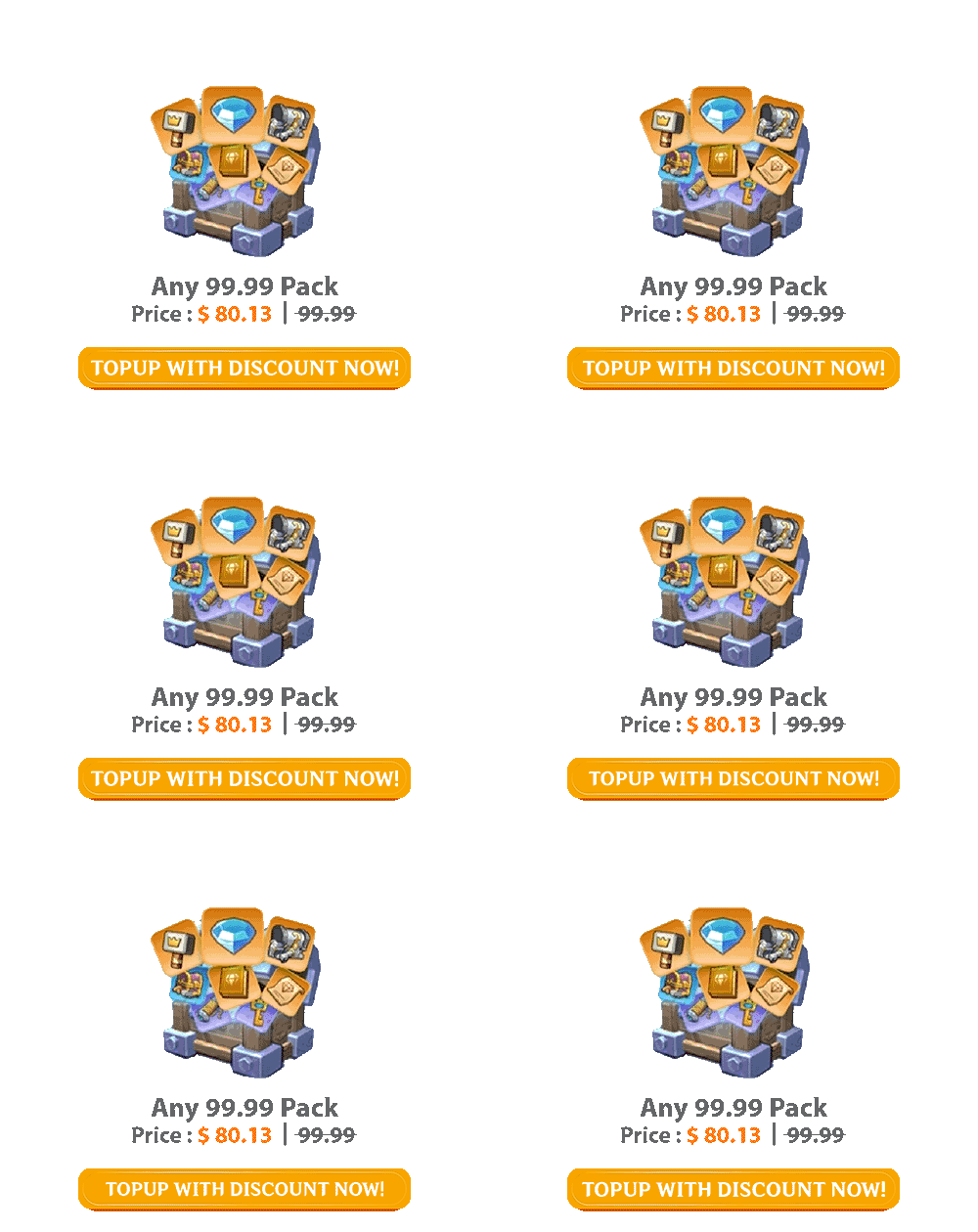
Compared to many competitors, TOPUPlive consistently offers lower prices, especially on higher-value denominations.
>> Safe, Legit, and Well-Reputed
Lower prices don’t mean lower safety.
TOPUPlive is:
- A reputable top-up site for multiple game genres
- Consistently ranked on the first page of Google search results for many game top-up keywords
- Backed by real customer reviews
You can also find independent discussions and reviews in articles like “Is TOPUPlive Legit?”, where safety, delivery, and customer feedback are analyzed in detail.
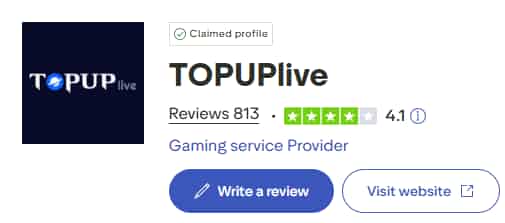
On Trustpilot, TOPUPlive maintains a solid 4.1 rating, with positive feedback from users across different regions and games.
Official Social Media & Support Channels
If you ever have questions or need help with an order, TOPUPlive maintains active social media channels where users can get updates and support:
- VK
- TikTok
- YouTube
- X (Twitter)
These channels allow players to follow updates, promotions, and reach out if they encounter any issues.
▍Final Tips to Stay Safe
- Always double-check your player info
- Keep receipts for purchases
- Avoid unknown sellers
- Never retry failed payments repeatedly
- Use trusted platforms with real support
Kingshot Top Up Still Not Working?
If your Kingshot top up is still not working, you’re not alone — and you don’t have to waste time guessing. Reach out to a trusted platform like TOPUPlive or contact Kingshot support with your receipt details.
Fix the issue once, and get back to building, defending, and winning.
Happy gaming, Governor 👑