



Hearthstone Top Up Guide: Price, Methods & How to Top Up Hearthstone Safely & Cheaply

2026-10-29 09:20:00

Hearthstone is Blizzard Entertainment's popular free-to-play digital collective card game. Players build decks form their card collections and compete in strategic matches across multiple modes-including Ranked Play, Arena, Battlegrounds, and Solo Adventures.
Want to expand your card collection, unlock premium rewards, or get more value from your Hearthstone purchases? This Hearthstone top up guide explains how to buy in-game content, choose the right bundles, and complete a purchase through TOPUPlive so that you can explore on TOPUPlive and top up hearthstone items.


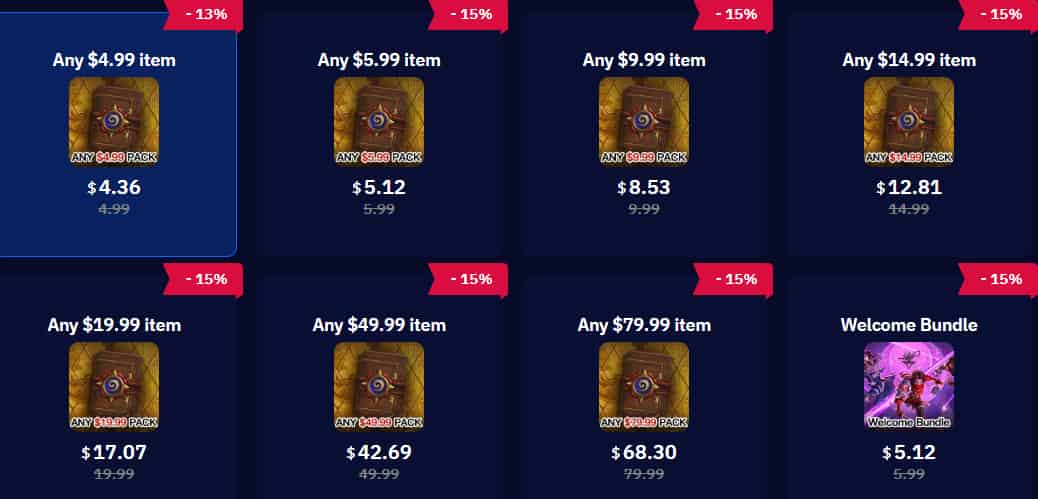
Any $4.99 item
Any $5.99 item
Any $9.99 item
Any $14.99 item
▍What Is Hearthstone Top Up?
Hearthstone is a free-to-play digital card game developed by Blizzard Entertainment. Although you can play without spending money, optional purchases let you expand your collection, access selected premium content, and customize your experience.
Hearthstone top up generally refers to purchasing in-game content through the official Battle.net shop or a supported third-party service. Depending on the product and your region, available options may include:
Purchase | Best For | Main Benefit |
|---|---|---|
| Collection builders | Adds cards from eligible sets |
Expansion Bundles | Players preparing for a new set | Combines selected expansion rewards |
Welcome Bundles | Eligible new players | Provides a starter collection boost |
Runestones | Players who want flexible shop purchases | Can be spent on eligible shop items |
Battlegrounds Passes | Battlegrounds players | Unlocks eligible premium mode benefits |
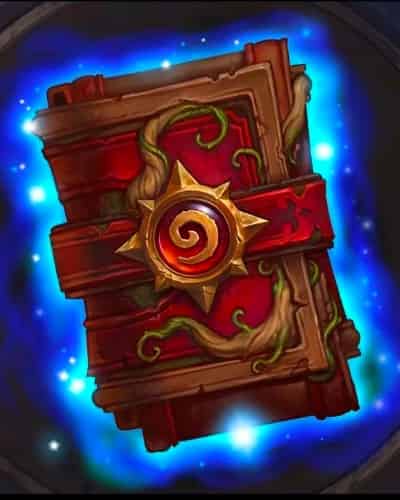
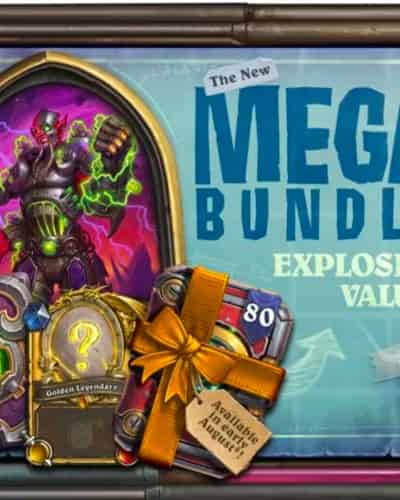
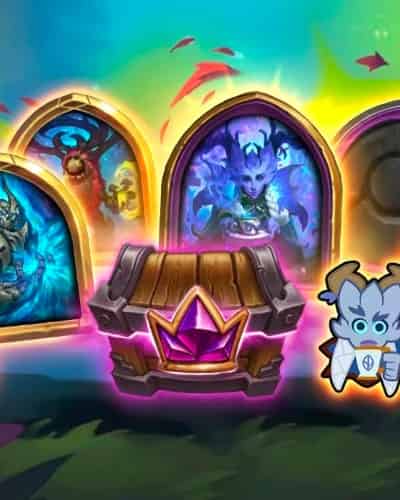
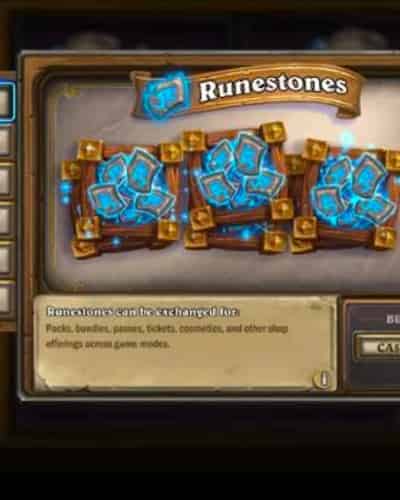
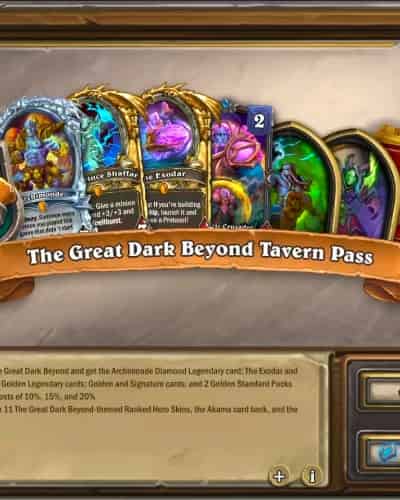
The best purchase depends on your preferred game mode, collection, and budget. Always check the contents and eligibility of a bundle before paying.
▍Where Can You Top Up Hearthstone?
There are two main ways to purchase Hearthstone content: through Blizzard's official store or a third-party top-up platform such as TOPUPlive.
- Official Battle.net Shop: Purchase eligible Hearthstone packs, Runestones, and bundles directly through Blizzard's official store.
- TOPUPlive: Visit the TOPUPlive Hearthstone top-up page to browse available products, including selected in-game purchase tiers and the Welcome Bundle.
There is a list which shows the price of the official shop and several third-party top-up platforms including TOPUPlive, LDShop, G2G.
Item / Face Value | Official Price |
TOPUPLive |
|
|
|---|---|---|---|---|
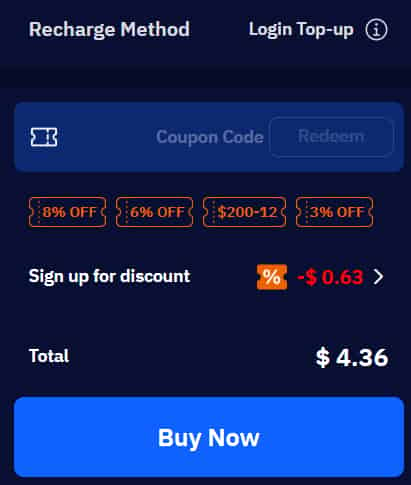
Any $4.99 item(500 Runestones) | $4.99 | $4.36 | $4.67 | $4.89 |
Any $5.99 item | $5.99 | $5.12 | / | / |
Any $9.99 item(1000 Runestones) | $9.99 | $8.53 | $9.35 | $8.97 |
Any $14.99 item(1500 Runestones) | $14.99 | $12.81 | $14.03 | $12.99 |
Any $19.99 item(2000 Runestones) | $19.99 | $17.07 | $18.71 | $17.90 |
Any $49.99 item(5000 Runestones) | $49.99 | $42.69 | $46.78 | $44.00 |
Any $79.99 item(8000 Runestones) | $79.99 | $68.30 | $74.85 | $69.50 |
Welcome Bundle | $5.99 | $5.12 | / | / |



If you're looking for a more convenient and cheaper way to compare Hearthstone top-up deals, TOPUPlive is worth exploring. Check the product details, supported login methods, and purchase requirements before placing your order.
▍How to Top Up Hearthstone on TOPUPlive?
TOPUPlive lists Hearthstone products through its login top-up service. Follow these steps and check the current product-page instructions before placing your order.
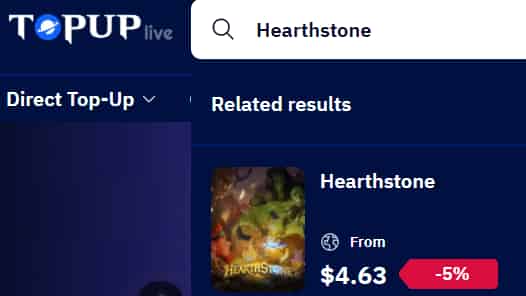
Step 1: Visit TOPUPlive Hearthstone Page
Open the TOPUPlive Hearthstone store and review the available products. Options and prices may change by region or promotion, so use the live listing rather than relying on an old price screenshot.
Step 2: Choose Your Desired Item
Compare the listed purchase options, such as eligible in-game items or a Welcome Bundle. Confirm the exact item name, price, and any one-time purchase restrictions before proceeding.
Step 3: Prepare Your Account Information
TOPUPlive's current listing describes a login top-up process. Its product instructions may request information such as your login method, server, account details, character or account ID, and a screenshot identifying the item you want.
Provide only the information explicitly required through the platform's designated order process. Never share payment card details, recovery codes, or unrelated personal information in chat.
Step 4: Complete Checkout
Add the selected product to your cart and proceed to checkout. Review the final price, any applicable handling fees, and the available payment methods before confirming your order.
Step 5: Follow the Delivery Instructions
Follow the instructions shown on your order page and communicate with customer support if required. If the service requires account access to complete a purchase, understand the security implications before proceeding and never provide one-time verification codes unless you have independently verified that the process is legitimate and safe.
Step 6: Verify Your Purchase In-Game
Once the order is marked complete, open Hearthstone and check whether the purchased item has been delivered. Contact support if the order status and in-game content do not match.
▍Is TOPUPlive a Good Option for Hearthstone Top Up?
TOPUPlive offers a convenient way to browse selected Hearthstone purchases and save on eligible items. It can offer multiple purchase options and it also offers considerable discounts. Whether you're expanding your card collection or preparing for your next deck, TOPUPlive makes it easy to compare available offers before spending.
▍FAQs about Hearthstone Top Up
1. How do I top up Hearthstone on TOPUPlive?
Visit the TOPUPlive Hearthstone page, select an available product, read its instructions, enter the required order information, and complete checkout. Follow the delivery instructions provided for your specific order.
2. Can I buy Hearthstone Runestones on TOPUPlive?
The current TOPUPlive listing describes a login top-up service and lists selected in-game purchase options. You can choose the item that you need and the items can be used to buy the runestones.
3. Can I top up Hearthstone on mobile?
Hearthstone is available on supported mobile devices, but purchase options and payment processing may differ between mobile platforms and Battle.net. Check the shop available on your device and verify regional restrictions before purchasing through another channel.
4. What should I do if my Hearthstone top up does not arrive?
Check your order status and verify that you selected the correct item and account. If the purchase remains undelivered, contact the seller through its official support channel with your order number and relevant screenshots. Avoid placing duplicate orders until the original transaction has been investigated.
▍Conclusion
Topping up Hearthstone is a convenient way to expand your card collection and access premium content. By comparing official prices with TOPUPlive's available offers, you can find options that fit your needs and budget. Ready to save on your next purchase? Visit TOPUPlive's Hearthstone store to explore the latest deals and upgrade your Hearthstone experience.
Lucas Brown
game writer
I focus on writing guides, tips, and strategy content for popular games. I specialize in breaking down complex systems and economy mechanics, helping players save time and currency while staying ahead of the latest updates and limited-time events.

Related products
Related News

Stormshot Gift Codes October 2026 – Latest Working Codes & How to Redeem
VALORANT Grave Matters Capsule: Release Date, Contents, and Secret Gun Buddy Variant
Honor of Kings LIMBO New Skin: Aswang Prowler Gao Changgong-Release Date and Details
Delta Force Halloween Update: Raven's Deal, Trickster Store, and Pumpkin Reaper
Marvel Rivals New Version Update (October 22, 2026): New Event, Skins, and Bug Fixes
Top 10 Battle Royale Games in 2026: The Best BR Titles Ranked for PC, Console & Mobile
League of Legends Patch 26.22 Preview: Champion Buffs, Nerfs, and System Changes
Monopoly GO Free Dice Links (October 2026): How to Get Free Rolls and More Dice?


