












【Important Notes】
- Cross-platform top-up is now available! The Login top-up required to log in your game to make the purchase
- If you prefer Epic login, please kindly ensure you check customer support messages for verification purposes.
- Xbox Accounts can't make duplicate recharges.
- Please be sure to fill in the required information for the Fortnite V‑Bucks recharge accurately to receive your recharged pack items promptly
【Fortnite Top Up information】
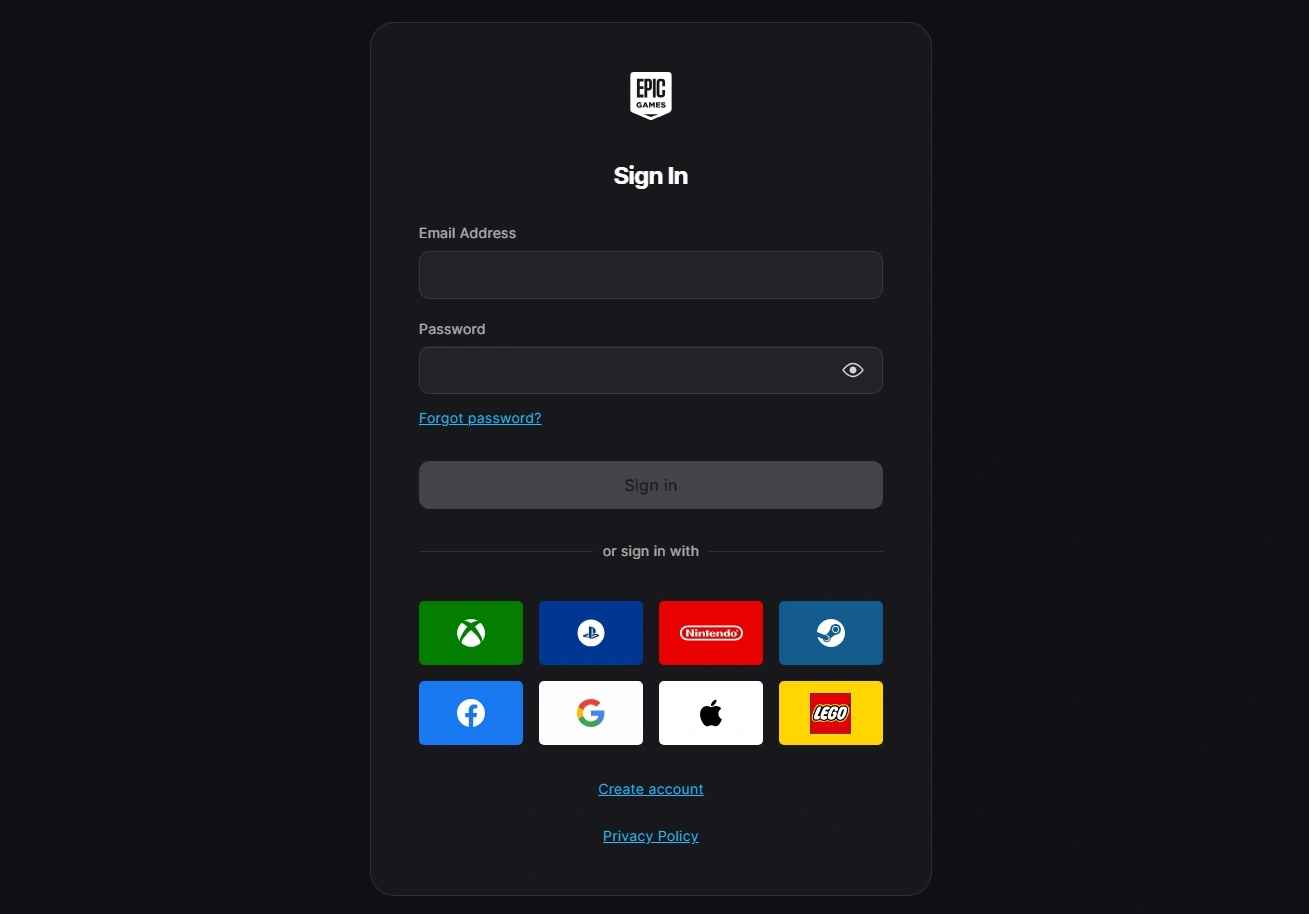
1. Xbox/ Epic Login Account
2. Login Account
3. Password
4. Character ID
5. Screenshot and the name of the package you want to purchase
Important Note: After successful payment, contact customer service to provide a verification code. Please pay attention to the real-time message guidance of the customer service
Note:
1. Fortnite top-ups require temporarily joining a Family Group. You'll automatically leave the group once the top-up is complete.
2. Please keep your account out of any Family Group before placing your order.
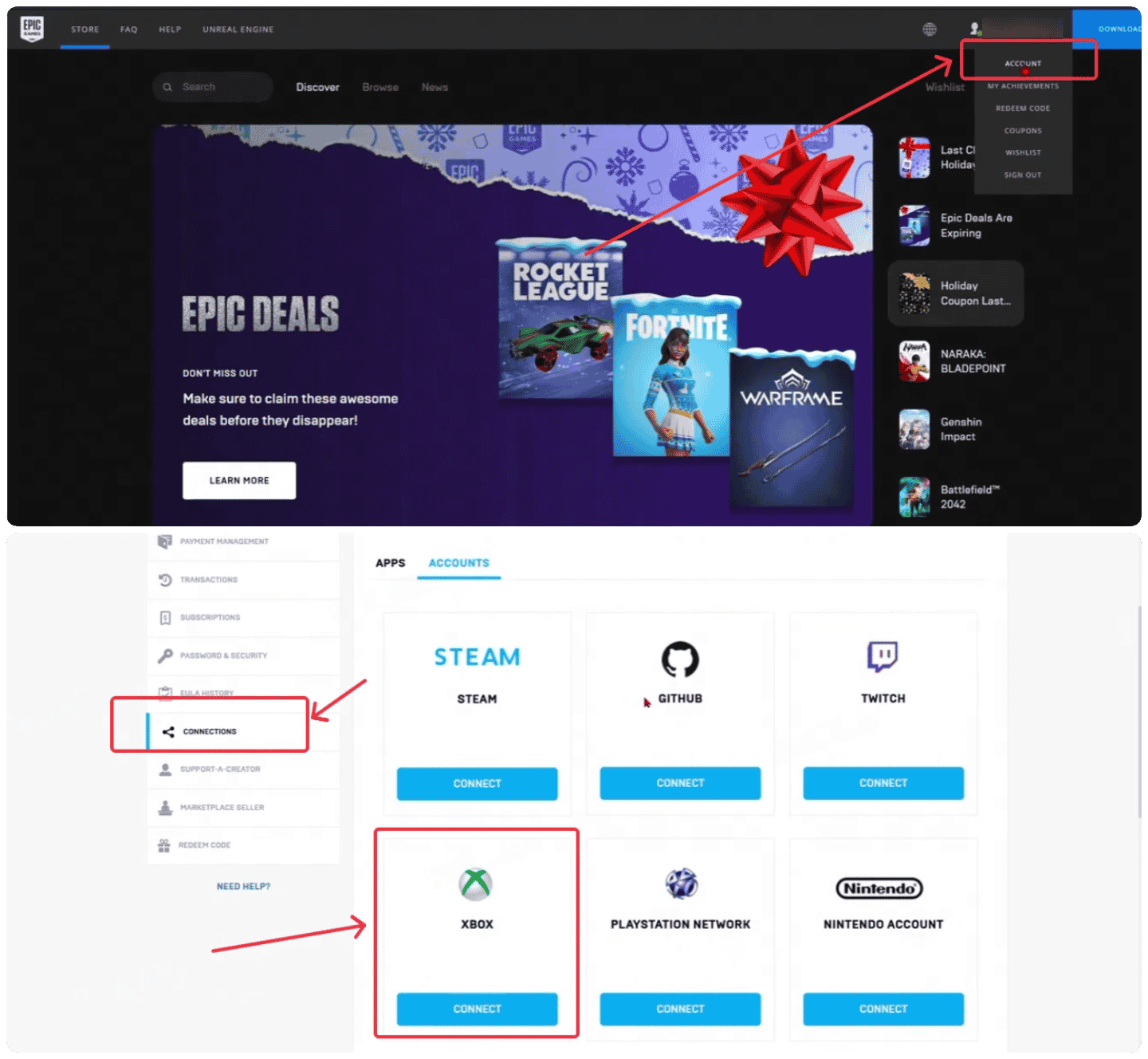
How to bind your Xbox Account?
Open the Epic Game Web and tap into Connection page to link your Xbox account
How to buy Fortnite V-Bucks?
1. Input your Epic Game Login Account and Password
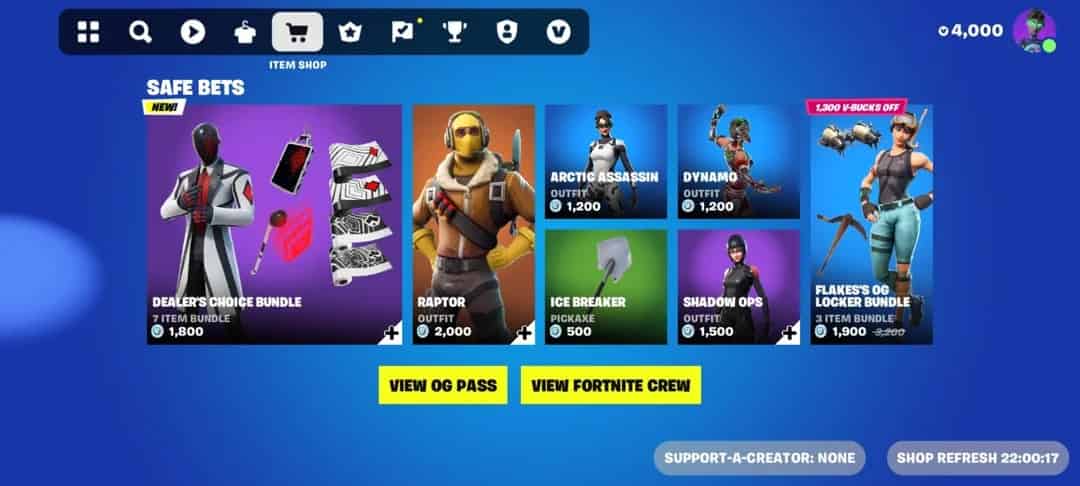
2. Select the amount of Fortnite V-Bucks you want to purchase.
3. Click "Pay Now" to finish payment then choose your preferred payment method.
Top-up Fortnite V-Bucks Procedures
1. Place your order and complete the payment.
2. Please provide your account information after the payment for us to log in and complete the top-up. Please do not log in to the game during this process.
3. We will purchase/top up the items in the game based on the product you ordered.
4. After we complete the purchase/top-up, we will log out of your account and clear the login history.
5. You will receive a notification once the top-up is complete, and you can then log in to the game to verify the transaction.
About Fortnite
Fortnite is a third-person shooting game that is available on the PlayStation 4, Xbox One, Nintendo Switch, PC, iOS, and Android platforms. In the Player VS Player mode, the player will take on the role of a youthful and involved player, compete against other opponents, choose the final winner, and lead everyone to save the community and protect the house.
About Fortnite V-Bucks
V-Bucks, short for "Vinder-Bucks," are the in-game currency used in Fortnite, enabling players to purchase a variety of cosmetic items such as outfits, gliders, pickaxes, emotes, and the Battle Pass. These items enhance the visual appeal of the game but do not provide any competitive advantage.



