







【Important Notes】
- The Login top-up required to log in your game to make the purchase
- Please be sure to fill in the required information for the equivalent bundle recharge accurately to receive your recharged pack items promptly
【Rainbow Six Mobile Login Top Up information】
- bound Email
- Password
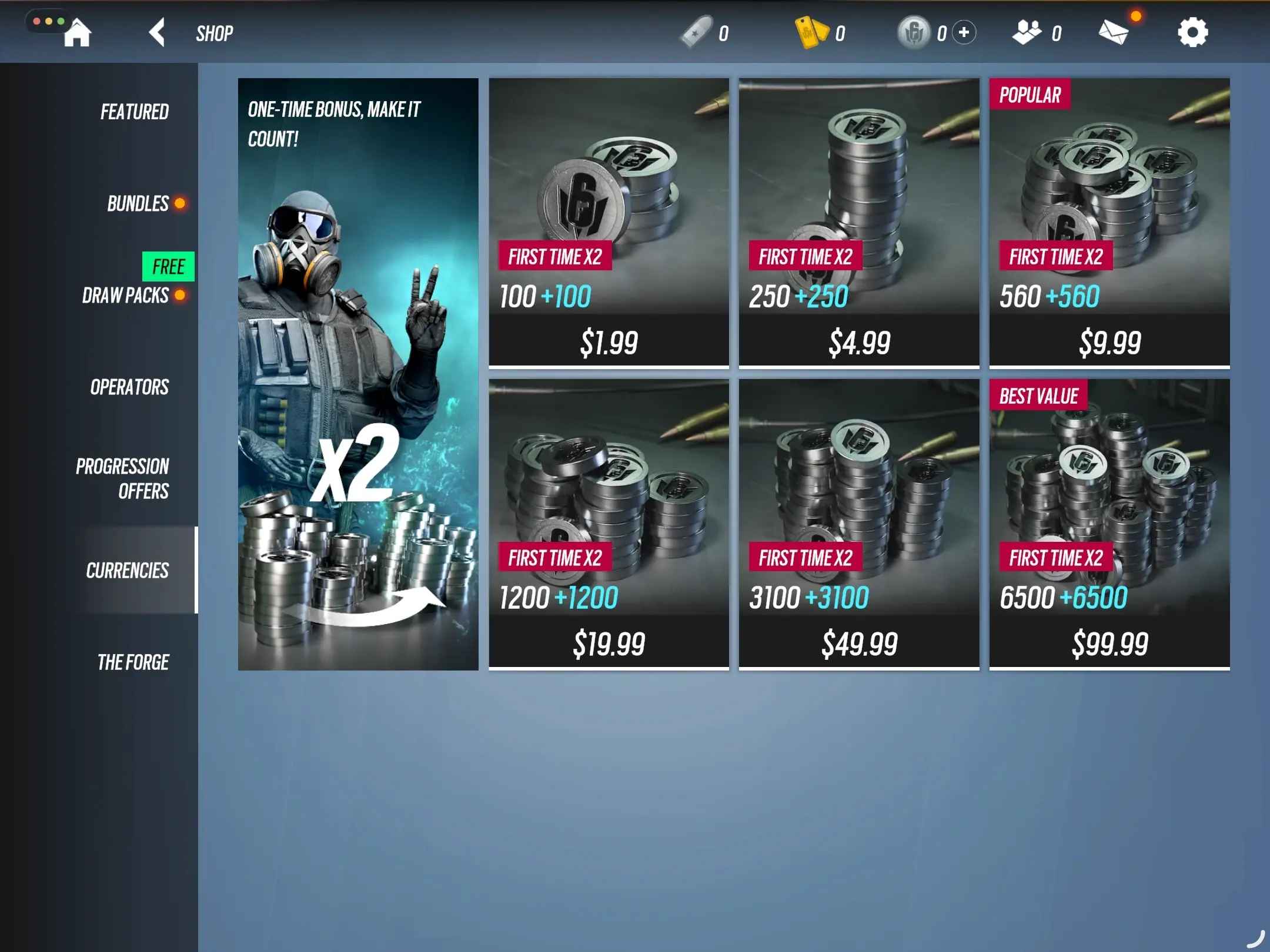
- Screenshot and the name of the package you want to purchase
Important Note: After the payment is successful, you need to cooperate with customer service to provide the Email verification code. Please pay attention to the real-time message guidance of the customer service
Top-up Procedures
1. Click the gift pack you want and complete the payment.
2. Please provide your account information after the payment so we can log in and complete the top-up. Please do not log in to the game during this process.
3. We will top up the items in the game based on the product you ordered.
4. After we complete the top-up, we will log out of your account and clear the login history.
5. You will receive a notification once the top-up is complete, and you can then log in to the game to verify the transaction.
------------------------------------------------------------------------------------------------------------
About Rainbow Six Mobile
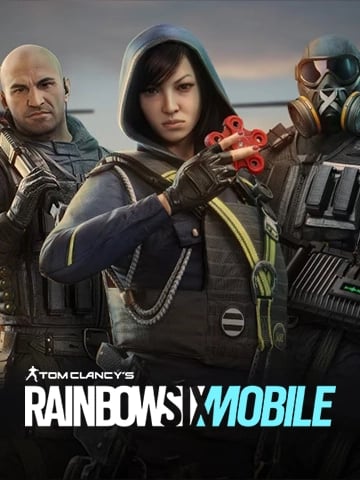
Rainbow Six Mobile brings Siege's tactical 5v5 PvP to your phone with Attack vs Defense rounds, iconic Operators and gadgets, and destructible environments. Master Bank, Border, and more, coordinate with friends, customize touch controls, and dive into fast sessions built for competitive, free-to-play action.
About Platinum in Rainbow Six Mobile
Rainbow Six Mobile Platinum can be spent to speed up unlocks, refresh offers, and grab exclusive event items that are not always available through regular play.
Frequently Asked Questions (FAQ)
1) What is “Login Top-Up” for Rainbow Six Mobile?
Login Top-Up means we complete the purchase by logging into your Rainbow Six Mobile account to buy the selected items (e.g., Platinum packs, Premium Pass) on your behalf. This is different from direct top-ups that only require a UID.
2) What’s the difference between Login Top-Up (agent top-up) and Direct Top-Up?
- Direct Top-Up (UID/ID top-up): You usually only provide a Player ID/UID and the currency is credited directly.
- Login Top-Up (agent top-up): The recharge is completed inside your account, so it may require login credentials and verification (OTP).
3) What is the biggest advantage of Login Top-Up?
The main advantage is broader access to specific in-game packs/passes (and sometimes better pricing) that can be purchased directly in-account. It can also help users who have limited payment options in their region.
4) What information do I need to provide for Rainbow Six Mobile login top-up?
According to this product page, you may be asked to provide:
- Bound email
- Password
- A screenshot and the name of the package you want to purchase
Please follow the on-page instructions and the guidance from Online customer service.
5) Will I need to provide an email verification code (OTP)?
Yes, possibly. The page notes that after payment, you may need to cooperate with Online customer service to provide the email verification code in real time.
6) Do I need to stay logged in to the game during the process?
No. The page specifically advises: please do not log in to the game during the login top-up process. Staying logged out helps avoid login conflicts, security prompts, or delays.
7) How long does Rainbow Six Mobile login top-up take?
Login top-ups can take longer than direct top-ups because they may involve verification steps. Many orders are completed within minutes to tens of minutes, but the exact time depends on OTP/security checks and peak periods.
8) What happens during the top-up process (step-by-step)?
A typical flow is:
- You select the pack/pass and complete payment.
- You provide the required account/package information.
- We log in and purchase the items according to your order.
- After completion, we log out and clear the login history.
- You receive a notification and can log in to verify delivery.
9) What if I receive a “new device login” or security alert?
This can happen during login top-up. If the timing matches your order, it may be expected. If anything looks unusual (wrong time/region), contact Online customer service immediately and consider changing your password.
10) Should I change my password after the login top-up is completed?
Yes. For better account security, after delivery you should:
- Change your password
- Review account security settings
- Log out of other sessions/devices if the platform supports it



