

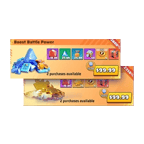
【Last War: Survival Aufladeinformationen】
- Verknüpfte E-Mail
- Charaktername
- Screenshot und Name des Pakets, das Sie kaufen möchten
Wichtiger Hinweis: Nach erfolgreicher Zahlung müssen Sie mit dem Kundenservice zusammenarbeiten, um den E-Mail- Verifizierungscode bereitzustellen. Bitte achten Sie auf die Echtzeit-Nachrichtenanweisungen des Kundenservice
-------------------------------------------------------------------------------------------------------------------
【Wie man Last War: Survival Pakete auflädt ? 】
- Geben Sie Ihre Bestellung auf und schließen Sie die Zahlung für die Last War: Survival Aufladung ab.
- Bitte greifen Sie nach erfolgreicher Zahlung auf das Spiel zu und loggen Sie sich in Ihr Konto ein.
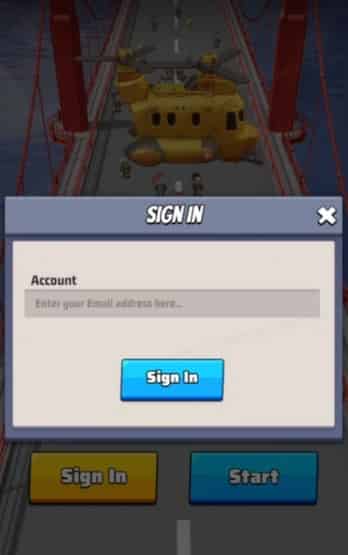
- Wählen Sie das entsprechende Bundle für den gekauften Artikel aus. Klicken Sie auf das Bundle, und eine Bestätigungsmeldung wird angezeigt. Nach der Bestätigung wird das Bundle in Kürze Ihrem Konto gutgeschrieben.
- Nach der Bestätigung wird das Geschenkpaket sofort an Ihr Konto geliefert.
- Sie erhalten eine Benachrichtigung, sobald die Aufladung abgeschlossen ist, und können sich dann im Spiel anmelden, um die Transaktion zu überprüfen.
-------------------------------------------------------------------------------------------------------------------
【Wie man die In-Game-E-Mail + den Paketnamen für die LW Survival Aufladung erhält】
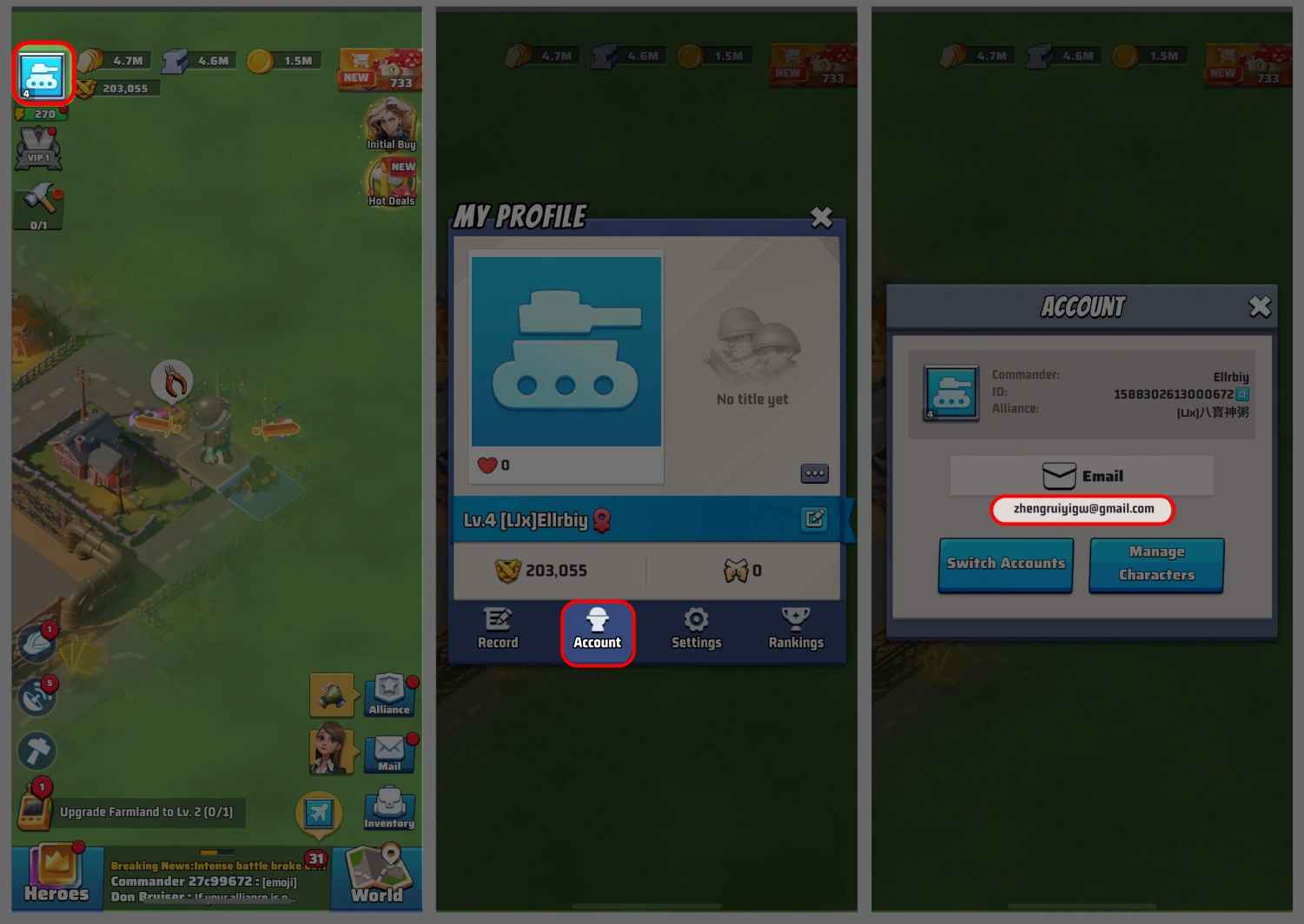
- E-Mail erhalten: Klicken Sie nach dem Einloggen ins Spiel auf den Avatar in der oberen rechten Ecke -> klicken Sie auf Konto -> geben Sie Ihre E-Mail an.
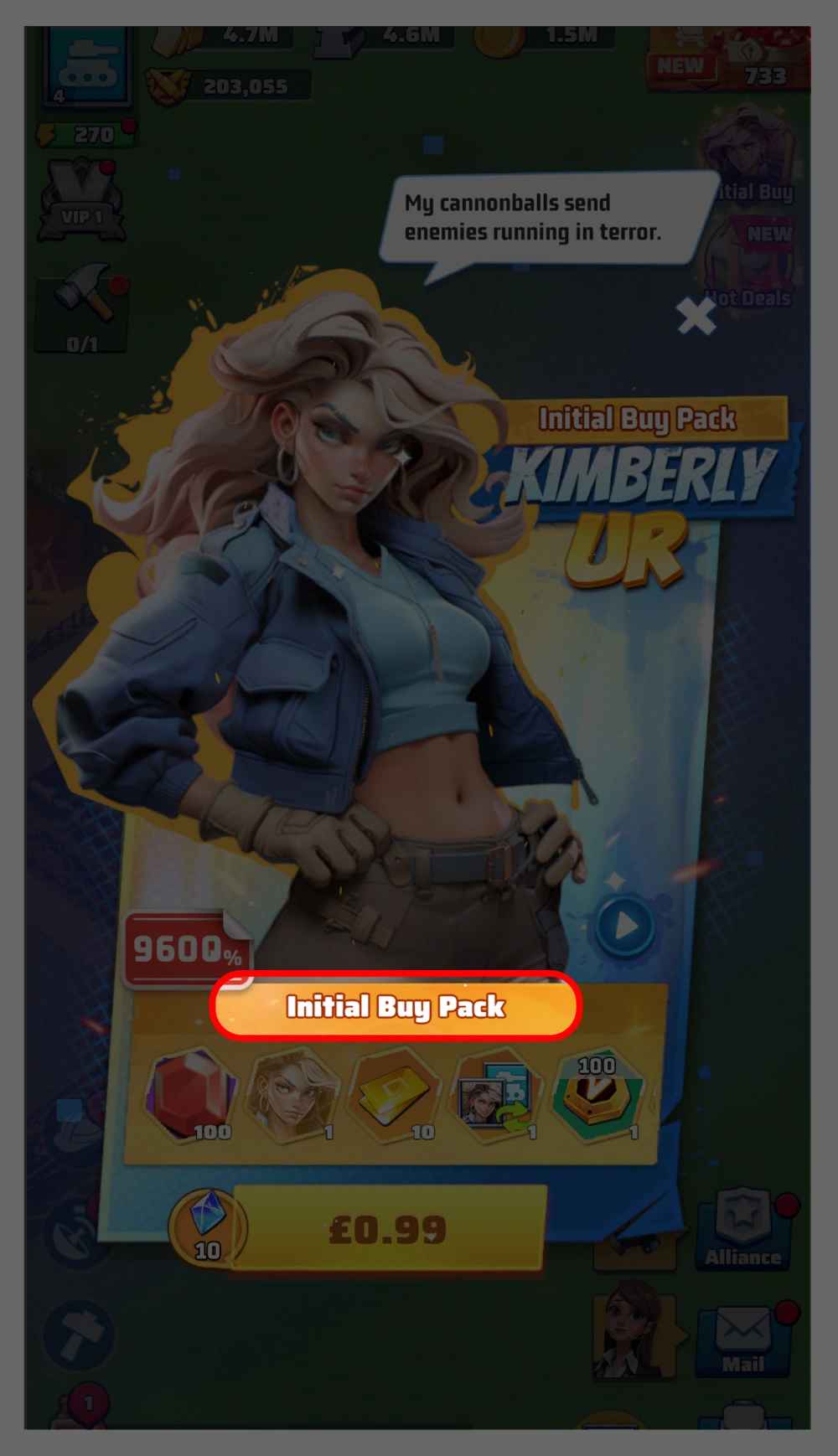
- Paket auswählen: Loggen Sie sich im Spiel ein und geben Sie den Namen des Pakets an, das Sie im Spiel kaufen möchten, und wir werden dieses Paket für Sie kaufen und aufladen.
Was ist Last War: Survival?
Last War: Survival ist ein postapokalyptisches Strategiespiel, in dem Sie eine Gruppe von Überlebenden gegen Zombiehorden und rivalisierende menschliche Fraktionen in einer riesigen offenen Welt anführen. Sie rekrutieren und trainieren einzigartige Helden mit Spezialfähigkeiten, bauen Ihre Basis aus, erforschen fortschrittliche Technologien, schließen Allianzen mit anderen Spielern und messen sich in groß angelegten Server-Schlachten um die Vorherrschaft. Mit beeindruckender Grafik und einem tiefgreifenden Fortschrittssystem hat Last War: Survival eine der aktivsten mobilen Strategie-Communities weltweit aufgebaut.
Welche Produkte sind für die Aufladung auf TOPUPLive verfügbar?
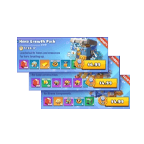
TOPUPLive bietet ein umfassendes Sortiment an Last War: Survival Produkten mit bis zu 32 % Rabatt:
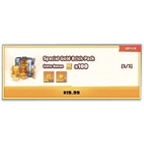
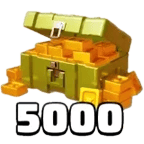
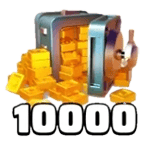
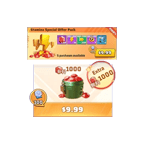
- Goldbarren: 5.000 Goldbarren ($35,63) / 10.000 Goldbarren ($71,24) / Spezial-Goldbarren-Paket ($14,26)
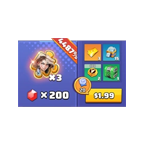
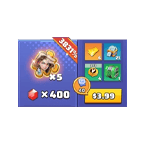
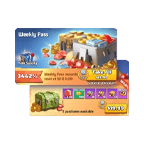
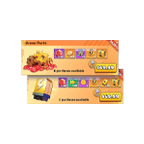
- Standard-Pakete: $3,99 / $4,99 / $9,99 / $19,99 / $49,99 / $99,99
- All-In-One Bundle: $133,56 (Originalpreis $184,99, 28 % Rabatt)
Standard-Pakete und Goldbarren-Pakete bieten bis zu 29 % Rabatt, während das Spezial-Goldbarren-Paket denselben Rabatt von 29 % bei einem niedrigeren Einstiegspreis bietet.
Was ist die Auflademethode für diesen Service?
Dies ist ein Login-Aufladeservice mit einem einzigartigen Ablauf. Nach der Zahlung wird Sie der Kundenservice von TOPUPLive beim Einloggen in Ihr eigenes Spielkonto anleiten. Wenn Sie Last War aufladen, wählen Sie einfach das entsprechende Paket im Spiel aus. Sobald Sie klicken, um das Paket zu bestätigen, wird es Ihrem Konto sofort gutgeschrieben. Sie kaufen es nicht selbst – der Kundenservice koordiniert den Prozess, aber der letzte Bestätigungsschritt findet innerhalb Ihres Spiels statt.
Welche Informationen muss ich vor dem Kauf vorbereiten?
Bitte halten Sie Folgendes bereit, bevor Sie Ihre Bestellung aufgeben:
- Ihre verknüpfte E-Mail-Adresse (die für Ihr Last War: Survival-Konto registrierte E-Mail)
- Ihren Charakternamen
- Einen Screenshot und den genauen Namen des Pakets oder Bundles, das Sie kaufen möchten
Nach der Zahlung müssen Sie dem Kundenservice außerdem Ihren E-Mail-Verifizierungscode (OTP) in Echtzeit mitteilen. Bitte bleiben Sie erreichbar und überwachen Sie Ihre Nachrichten umgehend.
Wie finde ich den genauen Namen des Pakets, das ich kaufen möchte?
Loggen Sie sich bei Last War: Survival ein und öffnen Sie den In-Game-Store. Suchen Sie das Paket oder Bundle, das Sie kaufen möchten, und notieren Sie sich den genauen Namen, wie er im Store angezeigt wird. Machen Sie nach Möglichkeit einen Screenshot und teilen Sie diesen bei der Bestellung mit dem Kundenservice – so wird sichergestellt, dass der richtige Artikel in Ihrem Namen erworben wird.
Was passiert Schritt für Schritt, nachdem ich die Zahlung abgeschlossen habe?
Hier ist der vollständige Prozess:
1. Sie geben Ihre Bestellung auf und schließen die Zahlung auf TOPUPLive ab.
2. Sie übermitteln Ihre verknüpfte E-Mail, den Charakternamen und den Paketnamen/Screenshot an den Kundenservice.
3. Der Kundenservice fordert Sie zur Eingabe Ihres E-Mail-Verifizierungscodes auf – geben Sie diesen sofort an.
4. Der Kundenservice loggt sich in Ihr Konto ein und navigiert zum In-Game-Store.
5. Sie loggen sich in das Spiel ein und wählen das entsprechende Bundle aus – ein Bestätigungs-Pop-up erscheint.
6. Sie klicken auf Bestätigen – das Bundle wird Ihrem Konto sofort gutgeschrieben.
7. Sie erhalten eine Abschlussbenachrichtigung von TOPUPLive.
Sollte ich mich während des Aufladevorgangs im Spiel anmelden?
Diese Aufladung hat einen speziellen Ablauf — Sie müssen sich oben in Schritt 5 anmelden, um das Paket auszuwählen und zu bestätigen. Bitte loggen Sie sich jedoch nicht ein und tätigen Sie keine Käufe, bevor der Kundenservice Sie kontaktiert und Sie durch den Prozess führt. Befolgen Sie die Anweisungen des Kundenservice genau, um Konflikte oder Verzögerungen zu vermeiden.
Gibt es einen zusätzlichen Rabatt über den Standard-Verkaufspreis hinaus?
Ja. Wenn Sie dem TOPUPLive Discord-Server beitreten, können Sie einen exklusiven Rabattcode von 8 % zusätzlich zum Standard-Verkaufspreis freischalten. Dies macht TOPUPLive zur weltweit kostengünstigsten Option für Last War: Survival-Aufladungen. Treten Sie unter discord.gg/qhSdTKGEE6 bei, um auf den Code zuzugreifen.
Was soll ich tun, wenn nach der Zahlung Probleme auftreten?
Wenn Sie nach der Zahlung nicht vom Kundenservice kontaktiert wurden, Schwierigkeiten hatten, Ihr OTP rechtzeitig bereitzustellen, oder feststellen, dass Ihr Paket nach Abschluss des Bestätigungsschritts nicht gutgeschrieben wurde, kontaktieren Sie den TOPUPLive-Support umgehend per Live-Chat, WhatsApp oder E-Mail an [email protected] unter Angabe Ihrer Bestellnummer, der verknüpften E-Mail-Adresse und Ihres Charakternamens. Unser Team ist rund um die Uhr erreichbar und wird Ihnen in Echtzeit helfen.